






Pricing

Cheaper than a ruined Friday evening with this message...

Monthly
Annual
Free
1 user
1 canvas
$0
Get started for free
Includes:
  • In-line file attachments
  • Export to CSV
  • Comment labels
  • Assigning comments
  • User mentions
  • Pause commenting
  • Project folders
  • Feedback deadlines
  • Deadline reminders
  • Responsive tester
  • Approvals
Pro
2 users
3 canvases
$35/mo
Get started for free
Includes:
  • Everything in Free
  • 100GB video storage
Team
Starts at 5 users
Unlimited canvases
$119/mo
Get started for free
Includes:
  • Everything in Pro
  • $24 per additional user
  • 500GB video storage
  • Webhook export
  • Project management tool integrations
Enterprise
Starts at 10 users
Unlimited canvases
$450/mo
Billed at $5,400/year
Contact us
Includes:
  • Everything in Team
  • SOC 2 Report
  • Single sign-on
    (SAML SSO)
  • Custom legal terms
  • Dedicated account representative
  • Billed yearly
Free
1 user
1 canvas
$0
Get started for free
Includes:
  • In-line file attachments
  • Export to CSV
  • Comment labels
  • Assigning comments
  • User mentions
  • Pause commenting
  • Project folders
  • Feedback deadlines
  • Deadline reminders
  • Responsive tester
  • Approvals
Pro
2 users
3 canvases
$29/mo
Billed at $350/year
Get started for free
Includes:
  • Everything in Free
  • 100GB video storage
Team
Starts at 5 users
Unlimited canvases
$99/mo
Billed at $1,190/year
Get started for free
Includes:
  • Everything in Pro
  • $24 per additional user
  • 500GB video storage
  • Webhook export
  • Project management tool integrations
Enterprise
Starts at 10 users
Unlimited canvases
$450/mo
Billed at $5,400/year
Contact us
Includes:
  • Everything in Team
  • SOC 2 Report
  • Single sign-on
    (SAML SSO)
  • Custom legal terms
  • Dedicated account representative
  • Billed yearly

All plans include

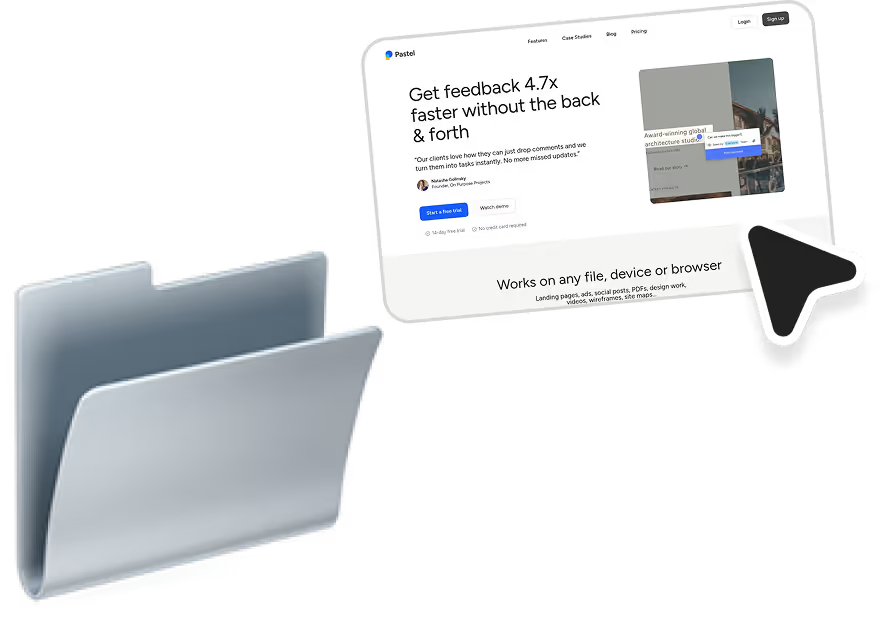
A folder
Projects
Group comments by client, version, or campaign.
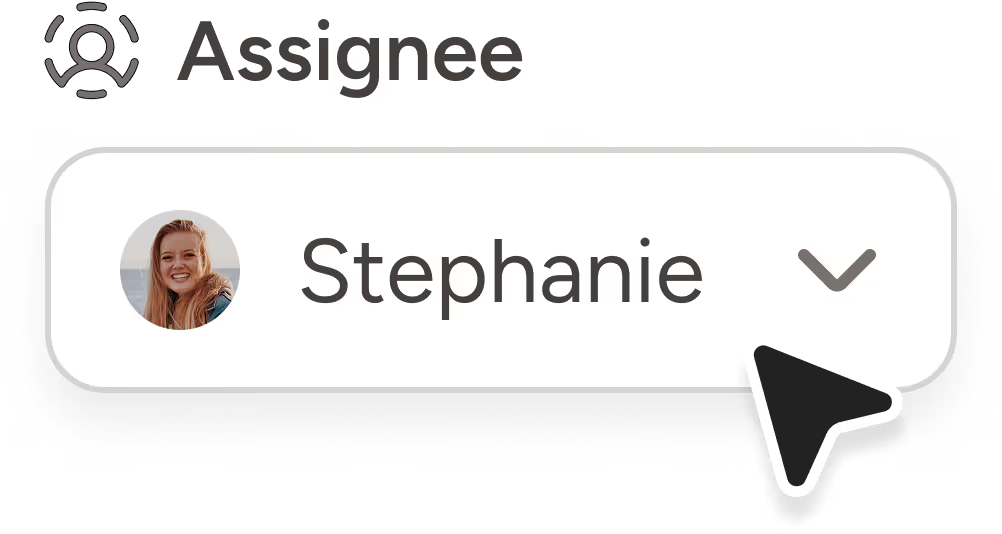
Assigning comments
Turn any comment into a task with one click.

Unlimited reviewers, comments, views
Let anyone comment or view without needing an account.
Unlimited versions
Jump between versions to compare comments or changes.

An image of a Pastel canvas being dragged into a folder.
Projects

Group comments by client, version, or campaign.

An image of a Pastel comment being assigned.
Assigning comments

Turn any comment into a task with one click.

An image of a pointer.
Unlimited reviewers, comments, views

Let anyone comment or view without needing an account.

An image of a document page being flipped.
Unlimited versions

Jump between versions to compare comments or changes.

File Attachments

Add Figma links, screenshots, or docs to any comment. No more digging through email chains or Slack.

A toggle to pause commenting in Pastel website feedback tool
Pause Comments

Temporarily turn off commenting to avoid distractions. Turn it back on with a click when you're ready.

Pastel annotation tool setting a deadline for collecting feedback
Scheduling Deadlines

Add a deadline to any comment so it doesn’t get buried. Help your team prioritize without constant reminders.
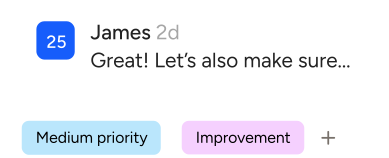
Comment Labels

Add labels like “Bug”, “Design”, or “Client” to organize threads. Filter by label to focus only on what matters now.

Website annotation tool selecting different screen sizes to test responsiveness
Responsive Tester

Quickly switch between mobile, tablet, and desktop views. Leave comments on each layout - no extensions required.
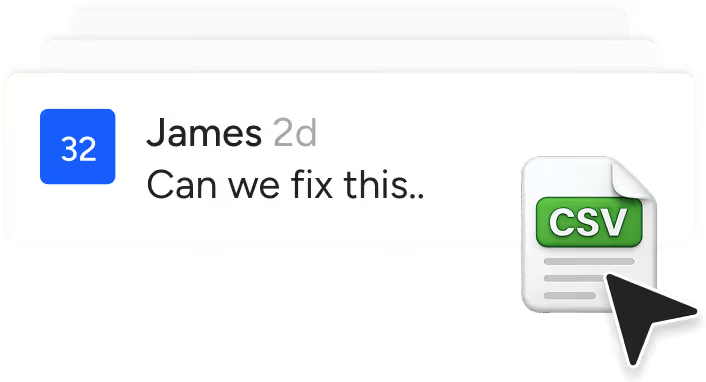
Download Feedback as CSV

Export every comment, status, and assignment in one click. Perfect for audits, reporting, or agency handoffs.


Even if you have the perfect client, this can ruin your day...

Need help choosing a plan?

Get in touch with our team

Trusted By 1000s of Users

Caitlin Brett
Senior Copywriter at Calendly
“Before Pastel, getting project approvals took weeks. Now, we wrap up approvals in just two days, freeing up time for an extra project each month. More efficiency, more revenue.”
Neil Newnham
Creative Director at Fountain Digital
“We used to have three client meetings a week per project. Now, everything happens asynchronously in Pastel, and our clients actually prefer it. Less time managing feedback, more time creating great work.”
Kelsea Hotvet
Project Manager at Lemonly
“Our clients love how easy it is to leave feedback, and we love how much time we save. No more chasing comments or endless revisions. Just clear, actionable feedback that keeps projects moving.”
Eric Unger
Founder of North Designs
“Pastel keeps feedback organized and actionable, which means fewer revisions, faster approvals, and more profitable projects. We spend less time managing and more time creating.”

Start collaborating in 2 clicks - no setup needed

A green checkmark
Your team already knows how to use it
A green checkmark
Add feedback to anything - sites, slides, screenshots
A green checkmark
Share links without accounts or permissions

Your questions, answered

Do I need a canvas for every page?
Nope! Each canvas houses a whole website. Just turn commenting off to navigate to any other page on that website.
What's the difference between a user and a guest reviewer?
A user can create and edit canvases, export comments as well as leave comments and replies. Guest reviewers can only leave comments and replies.
Does Pastel work with responsive websites?
Yes it does!
How does the free trial work?
You get 14 days of free access to any of our paid plans. No credit card needed.
Does Pastel make a copy of my website?
No copies - we layer comments on your live website using our custom proxy technology.
Does Pastel work with WordPress/React/ Angular etc.?
Pastel accepts all types of websites. We love all web frameworks all the same.
How does the Free Forever plan work?
You can have 1 active canvas at a time on our Free plan. You can archive canvases in order to create a new canvas if you need feedback on another project. You can also unarchive canvases at any time to get more feedback.
Got more questions?
Check out our help center!