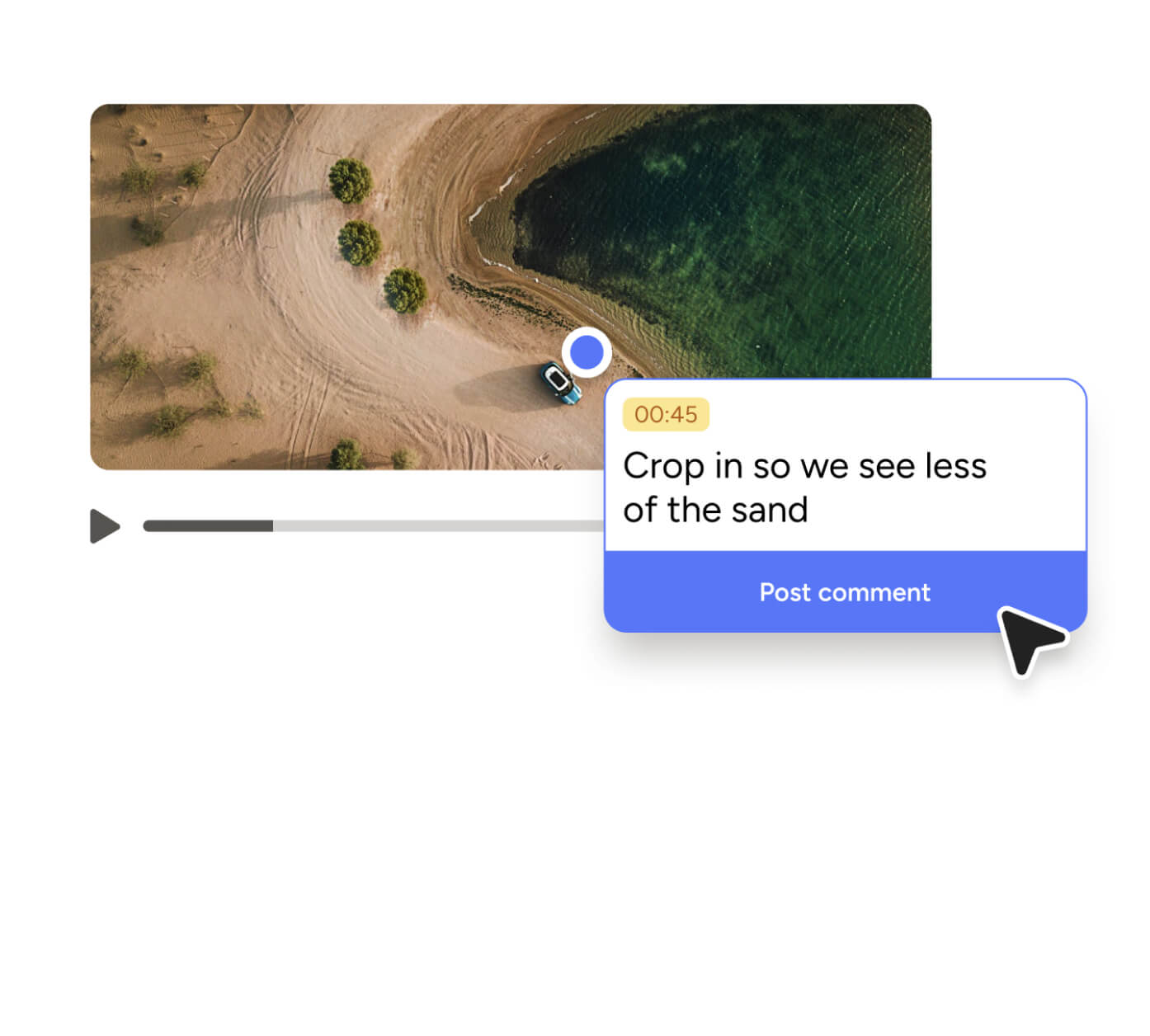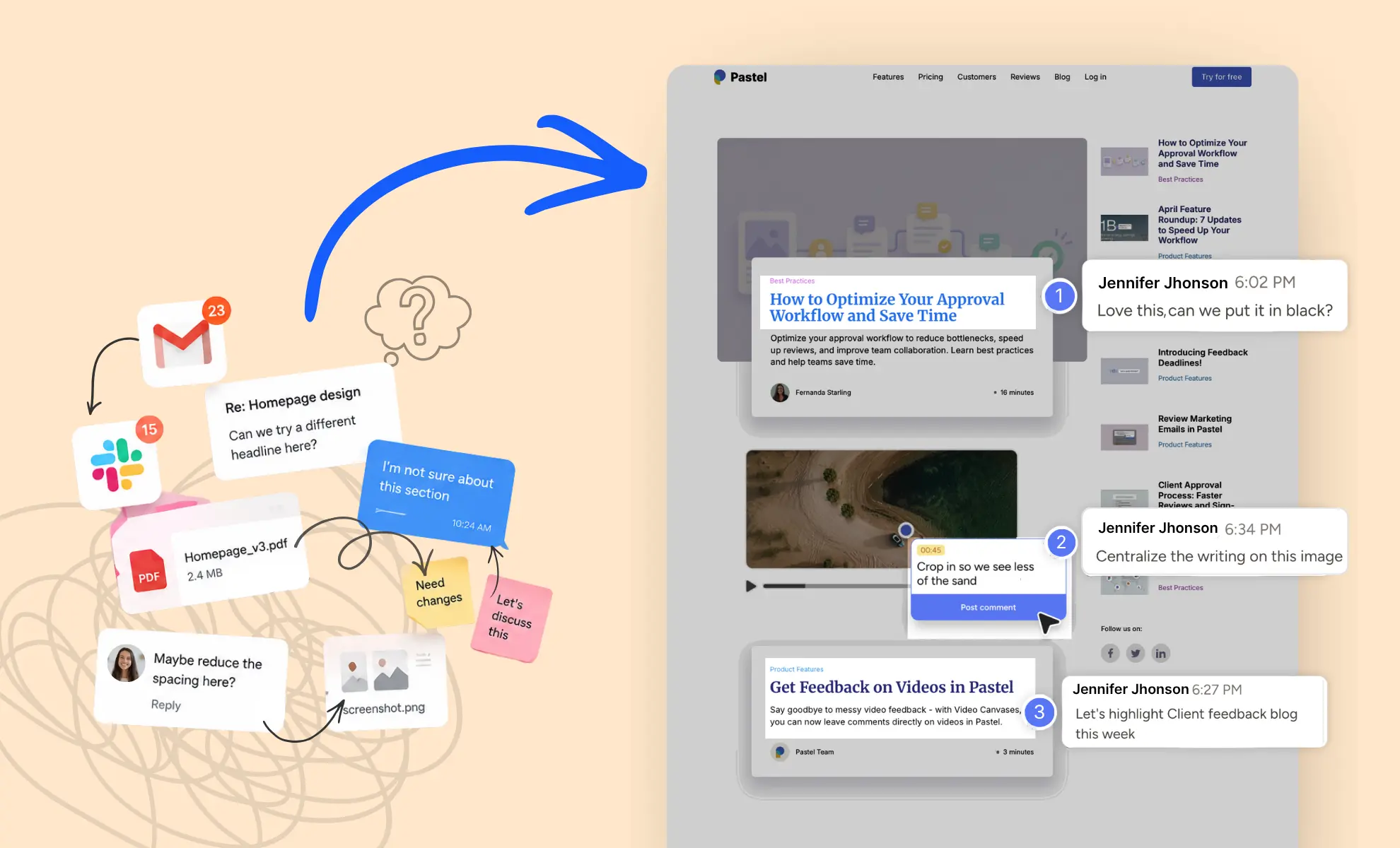


We at Pastel understand how difficult it can become to keep track of multiple feedback cycles, especially when working remotely with a team. While a canvas helps users receive clear feedback easily and quicken approval times for a project, we wanted to make that collaborative process even easier for ourselves and our users.
What are Revisions in Pastel?
Presenting Revisions for Pastel canvases!
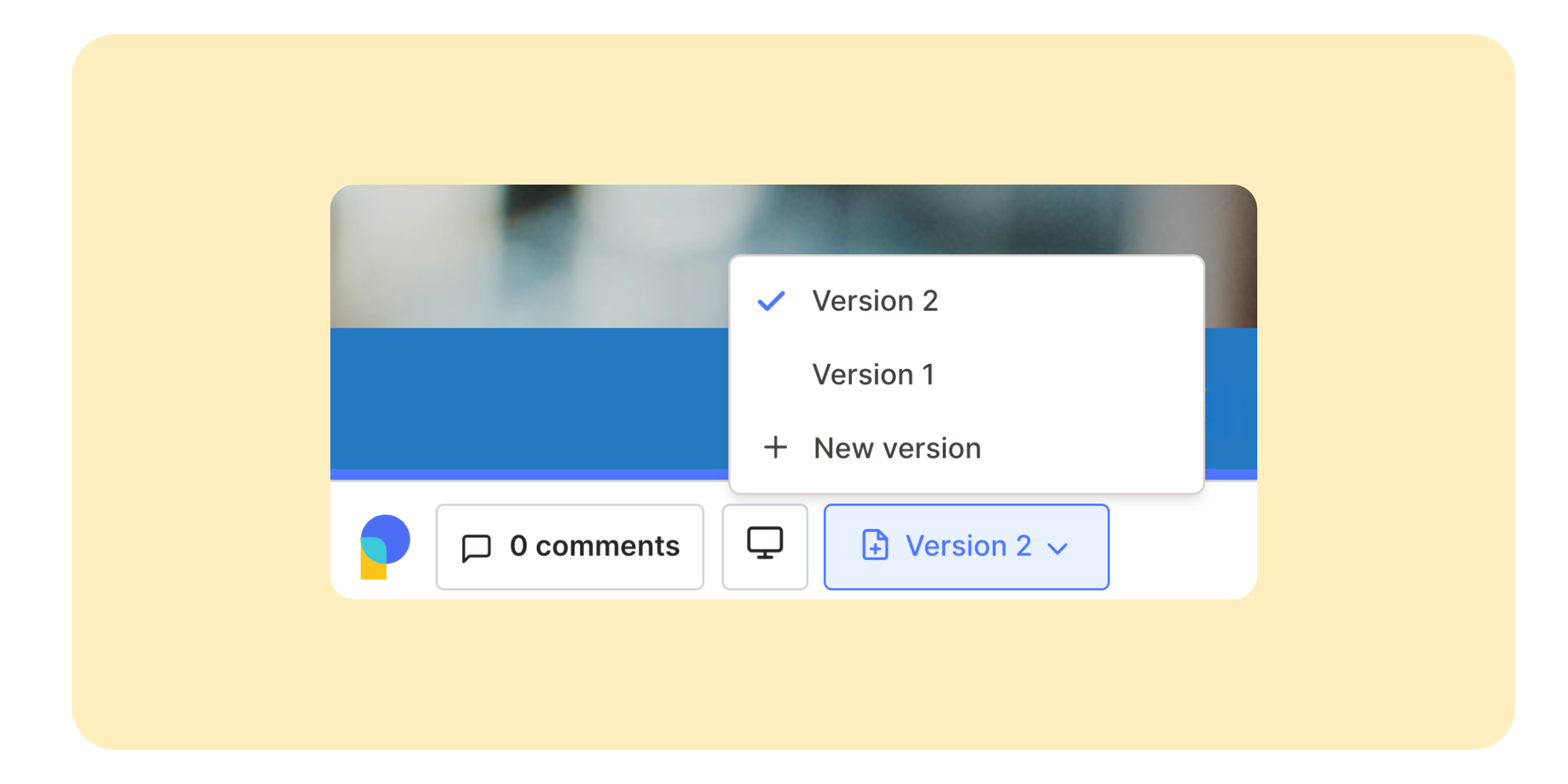
Revisions is our newest feature designed to help keep track of the different cycles and revisions of feedback that happen during the lifetime of a creative project.
Rather than spending countless hours searching for that past version of your creative project, rest assured you can access previous versions easily using that first canvas link you started with.
Why Revision Tracking Matters for Website Feedback
Website reviews often require multiple rounds of feedback and updates before final approval. Without a structured revision process, teams can lose track of changes, create duplicate work, or struggle to reference earlier feedback.
By keeping every version connected to a single canvas, Pastel makes website feedback easier to manage while maintaining a complete history of revisions and comments.
How Revisions Work in Pastel?
We've put no limitations on the number of versions you can create for a canvas. And for quick access, comments on previous canvases can easily be seen when you click on the dropdown and navigate to an older version. This allows teams to compare changes, review historical feedback, and keep stakeholders aligned throughout the review process.
Related Features for Feedback and Review Workflows
Revisions work even better when combined with other collaboration features in Pastel. Teams can set feedback deadlines to keep review cycles moving and pause reviews whenever priorities shift.
Together, these features help teams streamline website feedback and manage approvals more efficiently.
Start Using Revisions Today
Try creating a new version for one of your canvases by navigating to your dashboard.
To learn more about how revisions work, check out our help article.
Ready to simplify your review process? Try Pastel today for free and keep every version, comment, and feedback cycle organized in one place.

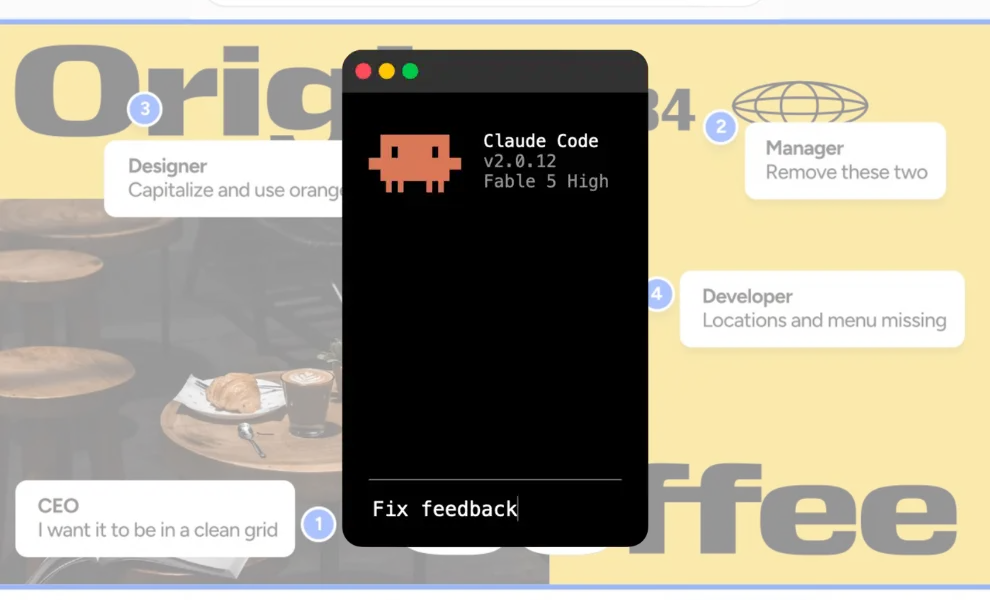
.png)
.png)