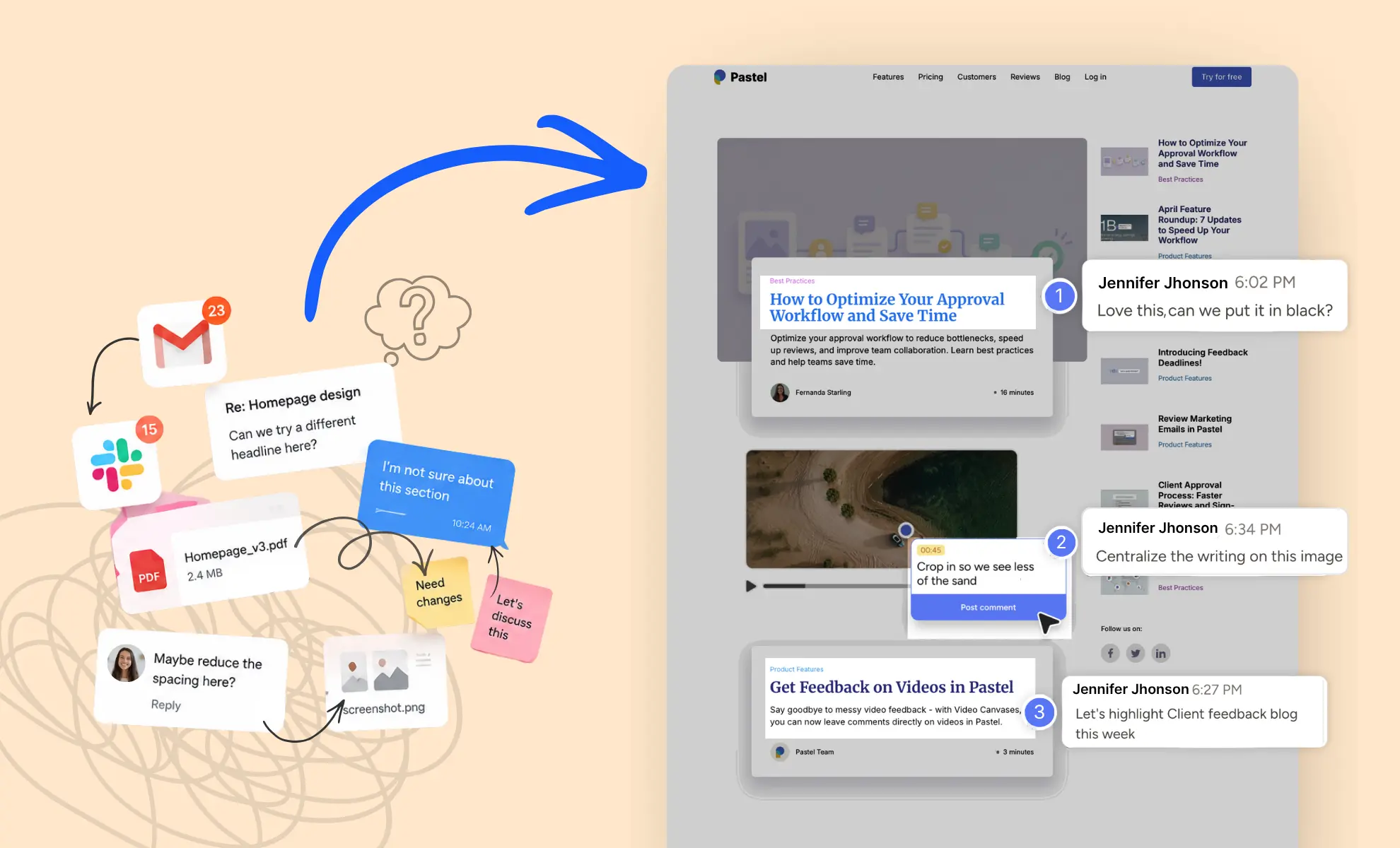



The client feedback tool you choose can have a bigger impact on projects than most teams realize. Not because software magically fixes communication. It doesn't. But because feedback has a habit of ending up everywhere except where it needs to be.
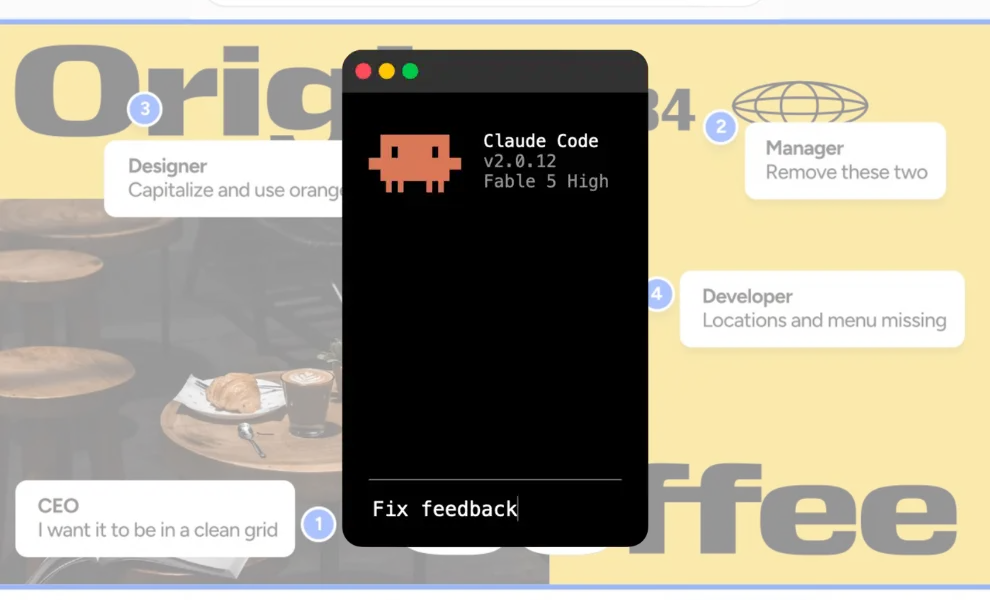
A client sends comments in an email. Someone else replies in Slack. A stakeholder drops notes into a shared document. Eventually, comments show up in five different places and you have to organize everything to make sure nothing gets missed.
That problem is older than most collaboration software and is very familiar to designers and developers. However, it still shows up every day, making communication harder for teams.
The funny thing is that most review delays aren't caused by difficult clients. They're caused by busy clients.
Your project matters to them. But It's competing with budget meetings, internal approvals, hiring decisions, sales calls, and everything else happening during their day. As a result, feedback often becomes something they'll get to later.
That's where a client feedback tool can make a real difference. Instead of scattering comments across inboxes, chats, PDFs, and screenshots, it gives everyone one place to review work and discuss changes.
In this guide, we'll look at why client feedback gets stuck, what separates helpful tools from complicated ones, and how the right setup keeps projects moving without constant follow-ups.
Why Every Team Needs a Client Feedback Tool
The biggest review problem usually isn't bad communication, but often, it's scattered communication. Feedback becomes hard to use when it lives in too many places at once.
Most teams already talk to their clients. The problem is that those conversations happen across so many different channels and nobody has a clear picture of what's actually been decided.
As a result, even simple projects start feeling messy. Designers spend more time understanding the feedback. Developers make guesses throughout the website, and account managers chase missing approvals across multiple files. Everyone works harder than necessary and wastes time and energy.
A client feedback tool solves this by giving feedback a permanent home. Instead of collecting comments from five different places, teams can review everything in one shared context.
In practice, it changes everything about the review process.
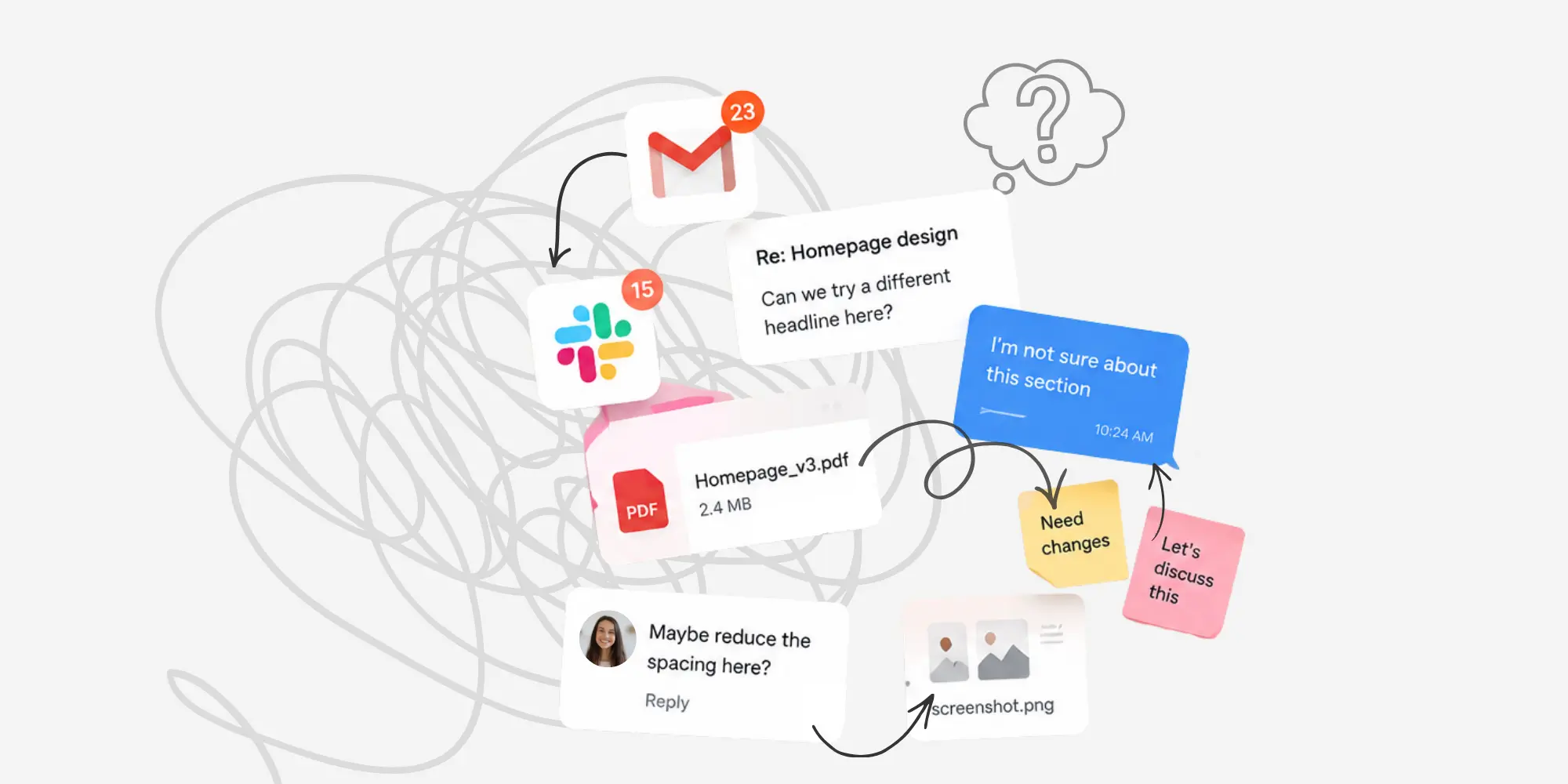
Feedback gets lost when it lives everywhere
Most teams aren't struggling because they lack effort. They struggle because their process asks people to remember too much. When feedback is split across channels, details get missed. That's simply how it is.
For example, a request to “make the button pop more” may sound simple, but without visual context, it means different things to different people. Then there's the follow-up conversation asking:
“Which button? Should it be larger? Brighter? Moved somewhere else?”
That wastes time.
Therefore, the more places feedback lives, the more interpretation your team has to do. And every extra layer of interpretation introduces delay.
That's why online feedback should feel as simple as placing a Post-it note directly on the page.
Busy clients need a faster way to respond
Most clients aren't ignoring your feedback request on purpose. They are trying to fit your request into their day. If leaving feedback feels slow, technical, or unclear, they will put it off. Then your team follows up, sends reminders, and waits again.
That's why review processes need to be incredibly easy. If leaving feedback feels slow or technical, clients naturally push it down the priority list. With a client feedback tool, they can leave comments on a live canvas, start reviewing immediately, and come back later to leave additional feedback. Meanwhile, you can start fixing the issues they've already flagged instead of waiting for the full round of feedback before getting started.
A client feedback tool adds context
The best feedback is specific. It points to the exact element, section, or moment that needs attention. A client feedback tool makes that possible by attaching comments directly to the work. Instead of saying “the copy lower down feels off,” a client can click the exact block and explain what needs to change.
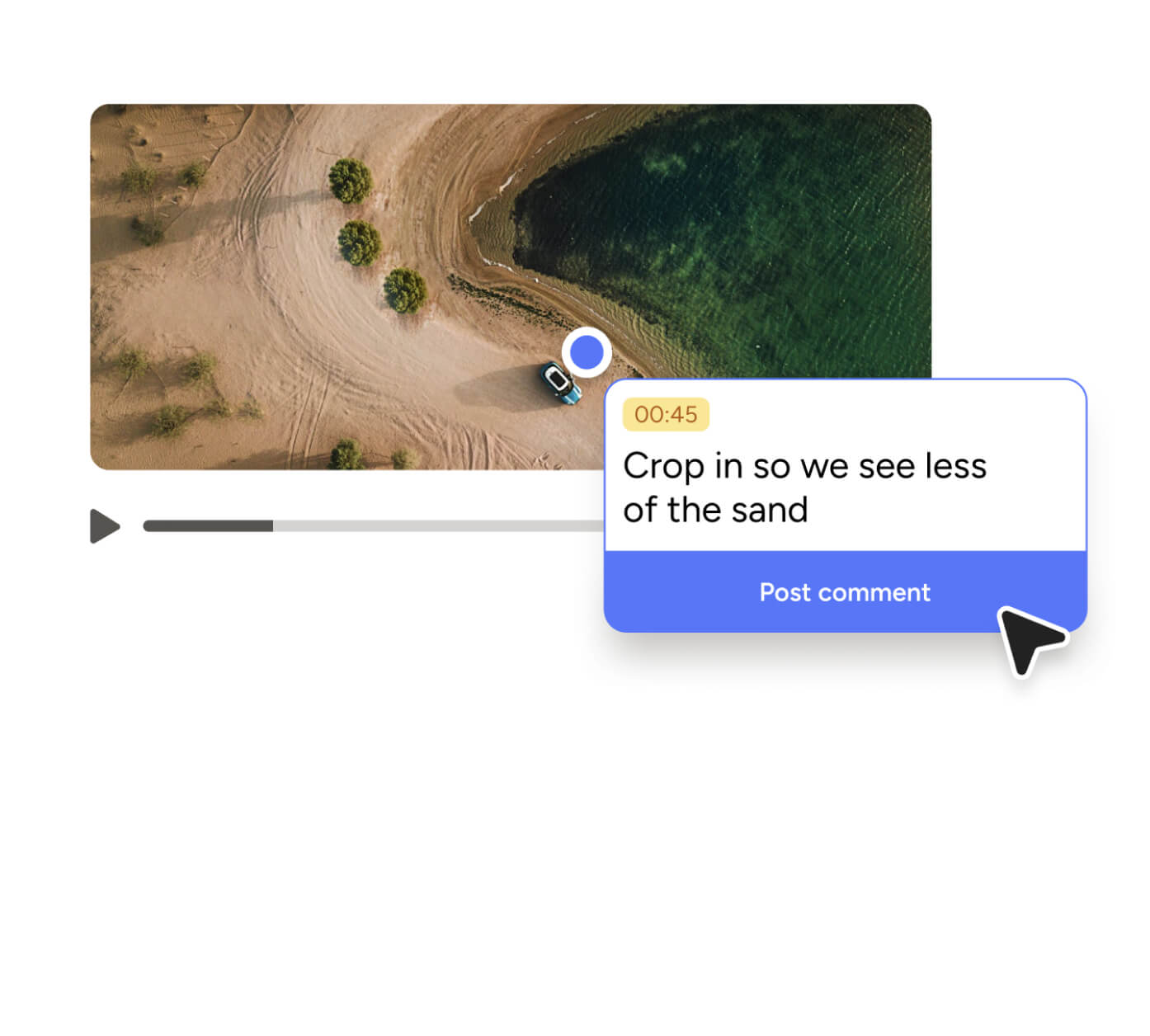
In videos, for example, clients can leave the feedback directly on the timestamp where changes are needed. That saves time immediately. It also reduces the back-and-forth that slows momentum.
What Makes a Good Client Feedback Tool
Not every tool that collects comments improves the review process.
Some tools add structure but create more work. Many look powerful during a demo but overwhelm clients the moment they have to use them. That's why choosing a client feedback tool isn't really about finding the one with the longest feature list. It's about finding one that makes feedback easier to give and easier to understand.
The best tools don't force clients to become project managers. They're simply easy to use. They help people leave clear feedback without having to think too much about the process itself.
Visual comments in a client feedback tool
Visual work needs visual feedback. That sounds obvious, but many teams still review websites, designs, and landing pages through email threads and shared documents. Then everybody spends time trying to understand exactly what the client is referring to.
A comment like "this section feels too crowded" means very little without context. With visual comments, the confusion disappears. Instead of describing the issue, clients can click on the exact area they're talking about and leave feedback right there.
For website teams, this is especially important. A visual feedback tool makes it easier to understand exactly what needs to change without additional explanation. Live pages, prototypes, and landing pages change fast. If feedback is not pinned to the right spot, details get lost. That is one reason teams use an online annotation tool to review work directly in the browser.
Mentions and notifications keep conversations moving
Sometimes the hardest part of review is not collecting feedback. It’s getting the right person to look at the right thing.
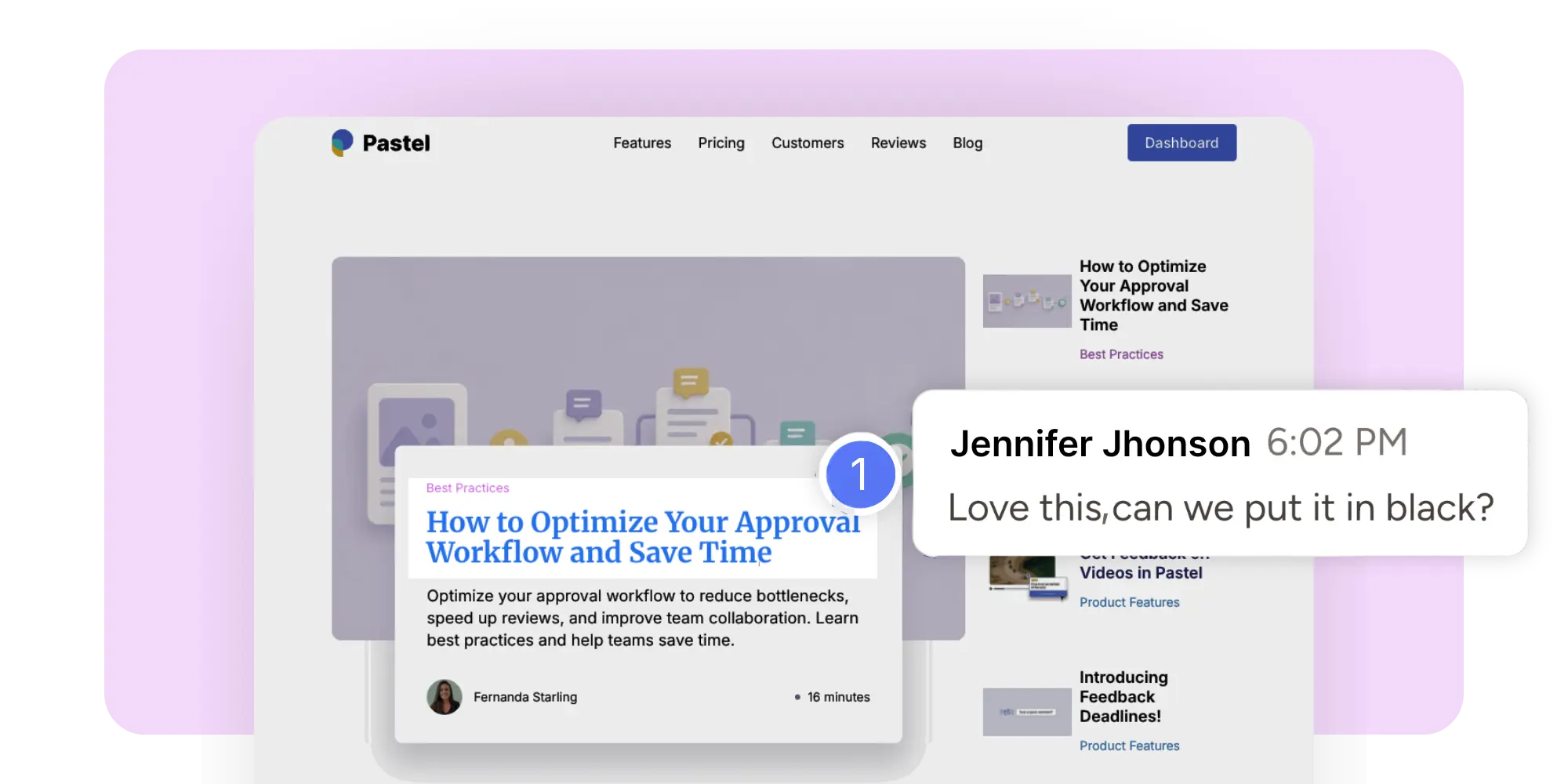
A good client feedback tool makes that easier with mentions and notifications. You can tag a specific client, teammate, or stakeholder and point them straight to the exact comment.
That's why mentions and notifications are surprisingly useful. Instead of sending another email asking whether someone saw your previous message, you can just tag them.
The result is usually faster responses and fewer approval bottlenecks.

Simple sharing beats complicated workflows
One of the biggest mistakes software companies make is assuming more steps create a better process. That isn’t always true!
When dealing with clients, simplicity wins.
If clients need to create an account, enter payment information, learn a new platform, remember another password, and watch a training video before they can leave feedback, many of them won't do it at all.
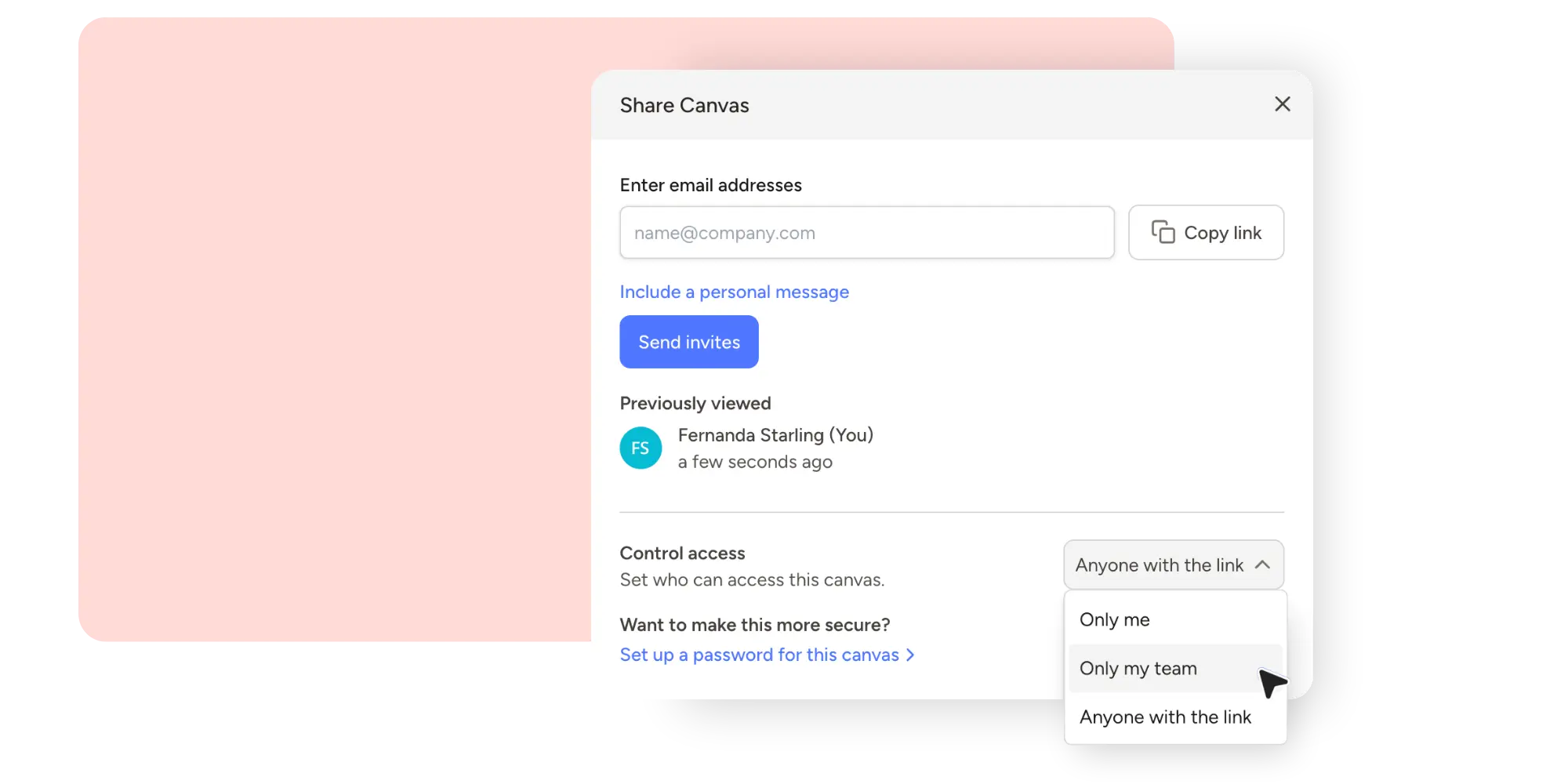
In many cases, the best review experience is the simplest one. Open a link, review the work, leave a comment, and move on with your day.
Organized threads and clear revisions
Feedback is only useful if teams can follow it.
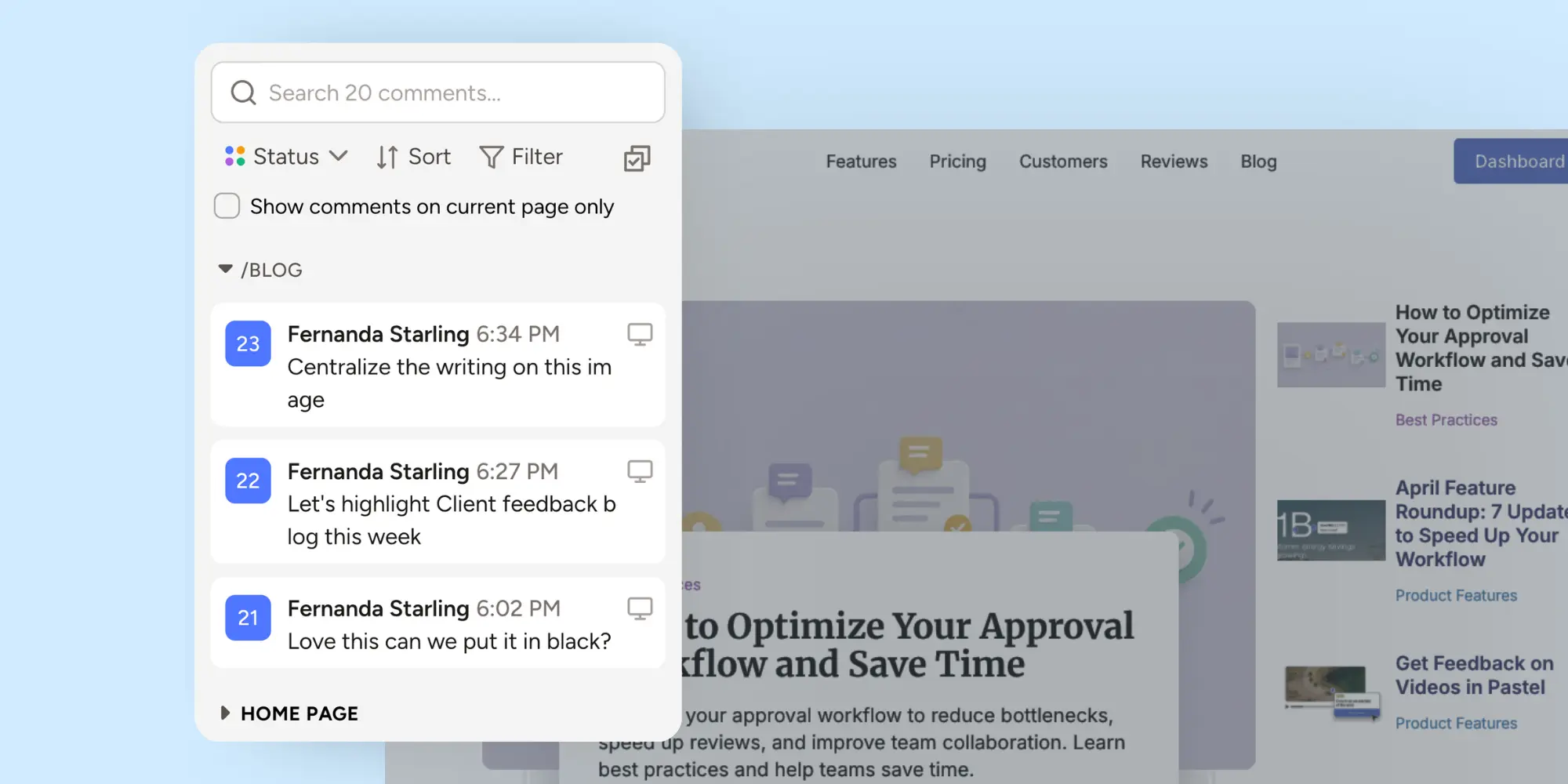
Once comments start piling up, things can get messy quickly. People forget which issues have been resolved, which ones still need attention, and which comments belong to older versions.
That's why a good client feedback tool keeps discussions organized and attached to the right place, while making it easy to track the status of each comment. Teams can see what has already been addressed, what's still open, and what changed between revisions.
That might sound like a small detail, but it saves an incredible amount of time during larger projects.
How a Client Feedback Tool Keeps Clients in the Loop
Keeping clients in the loop is not about sending more reminders. It's about making participation easier.
A good client feedback tool helps clients stay engaged because it reduces the mental load of reviewing work. They don’t need to remember where to send notes. They don’t need to explain what section they mean. They don’t need to repeat themselves after every revision. Instead, they can review, comment, and respond all in one place.
The best part is that they feel more involved in the process because they can see changes happening in real time directly on Pastel canvas.
It brings feedback into the right context
Context is what turns feedback into action. When comments are attached to a live website, design, or asset, your team knows what the client means right away. That cuts out follow-up questions and removes guesswork.
This is especially useful for agencies handling several rounds of review. A comment on the exact element is easier to process than a note buried in a long email.
It reduces follow-up emails
Every extra clarification costs time. First, someone asks for feedback, then they ask what the client meant, and after that, they ask whether the client still wants the change after seeing a revision.
That cycle is expensive, even when the edits are small. It takes unnecessary time, and time is money.
A good client feedback tool shortens that cycle. Because comments are clearer from the beginning, teams spend less time chasing explanations and more time working on what is important.
It helps clients feel included
Clients participate more when the process feels simple. That often leads to higher customer satisfaction because clients feel involved throughout the project. They can see what's being discussed, what's already been fixed, and what still needs attention.
According to Nielsen Norman Group, usability improves when interfaces reduce friction and make actions obvious. The same logic applies to review workflows. If the path is intuitive, people participate more consistently.
It speeds up reviews without adding pressure
Nobody likes being chased for feedback. The best review systems create speed through clarity rather than pressure.
With a feedback tool, clients know exactly where to go to leave a review,and teams can focus on what needs attention based on clear, pinned comments.
Ultimately, everyone can see the discussion, history, and status without searching through old emails or chat threads. As a result, projects move faster without anybody feeling rushed.
If you want a cleaner way to review websites and collect comments directly on the page, try Pastel’s online annotation tool. It's built for agencies, marketers, designers, and developers who need faster, clearer feedback.
Common Signs You Need a Better Client Feedback Tool
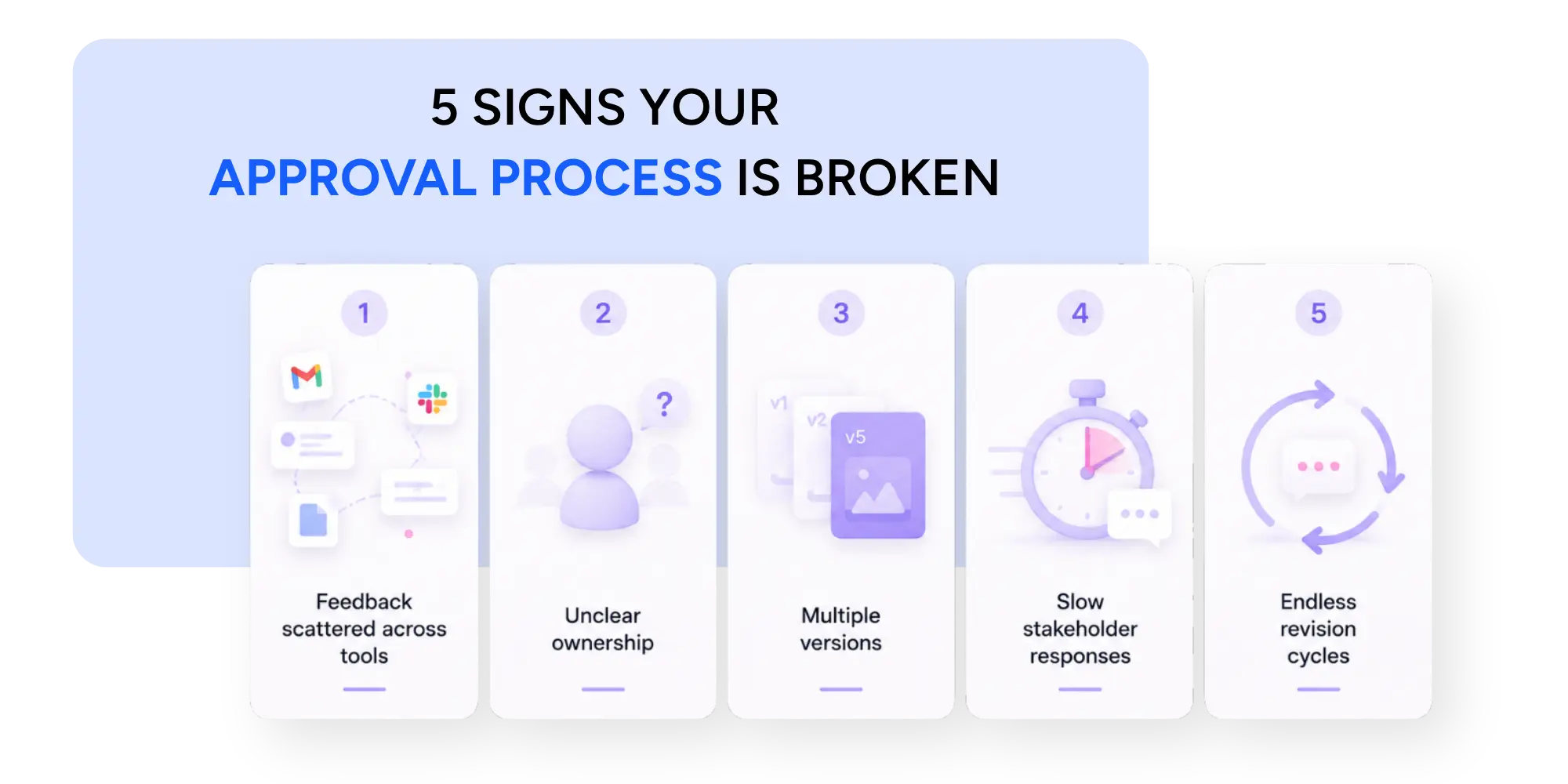
Most teams don't decide to switch tools because of one big failure. Usually, it's because small frustrations start piling up: missing comments, delayed approvals, and endless revisions.
Over time, those small issues start slowing down projects and frustrating everyone involved.
If any of the following situations sound familiar, it may be time to rethink your review process.
Your team spends too much time translating feedback
Feedback should be clear enough to act on. However, many teams spend more time interpreting comments than actually implementing them.
When designers, developers, and project managers have to interpret what a client meant, the process is already becoming less efficient.
Feedback should be clear enough to act on without a long explanation.
That is one reason strong teams care so much about the website feedback process. Better structure creates better outcomes. That's where Pastel's live canvas comes in handy. A client feedback tool helps eliminate that problem by attaching comments directly to the work itself, much like a digital Post-it note.
Basically, instead of explaining what the issue is and where it is, clients can simply point to it and make precise comments.
Clients reply in too many different places
I guess every team has been there!
If feedback comes through email, chat, screenshots, calls, and shared documents, you don't really have one review process anymore. You have multiple versions of incomplete ones, and now you have to spend time and effort to put the pieces together just like a puzzle. That setup slows projects down and increases mistakes because the more channels involved, the greater the chance that something gets missed.
A single source of feedback creates alignment and makes it much easier to track decisions.
Revisions keep repeating the same problems
Repeated revisions are often a symptom of unclear communication. This doesn't always happen because the work is wrong or because the team lacks talent, sometimes it happens because the original feedback was too vague.
When clients can leave comments directly on the design, website, document or asset, there is much less room for interpretation. As a result, issues are often resolved much earlier in the review process.
Approvals take longer than the work itself
This one is surprisingly common. Most teams can create work fairly quickly. The challenge is actually getting feedback and stakeholder sign-off without endless back-and-forth.
A good client feedback tool helps move those conversations forward by making reviews easier to access and easier to complete. In fact, many approval delays have less to do with the work itself and more to do with the process surrounding it. If approvals consistently slow down your projects, our guide on optimizing approval workflows explores practical ways to reduce delays and keep reviews moving.
Why Simple Features Matter More Than Complex Workflows
There is a common mistake in software buying. Teams assume the best tool is the one with the longest feature list. In reality, that is not always true.
When it comes to client reviews, tool adoption is more important than complexity. If clients avoid using the platform, even the most advanced workflow becomes useless.
That is why the best client feedback tools often feel surprisingly simple and intuitive, with no need for tutorials.
Tagging the right person at the right time
Not every comment needs input from the entire team. You just need feedback from one person. Being able to tag the right person directly inside a comment keeps conversations moving and prevents decisions from getting lost.
It sounds like a small feature, but it often saves days of unnecessary waiting.
Keeping discussions attached to the work
One reason email threads become difficult to manage is that feedback becomes disconnected from the thing being discussed. Therefore, keeping discussions attached to the actual work removes that confusion.
Designers, developers, clients, and stakeholders can all see the same conversation in the same place. That shared context makes collaboration much easier.
Making feedback easier for non-technical clients
Not every client speaks in design or development terms, and that's completely fine. After all, that's why they need your services. A good tool should help clients give useful feedback without needing technical language.
That's why UX & UI are so important. A better user experience makes it easier for clients to communicate what they see. Clicking on an area and leaving a note is much easier than writing a long document about layout, spacing, or interaction behavior. Clients will often just feel that something isn't quite right in a particular area, or maybe they wanted something different on the CTA button.
The goal of a client feedback tool is not to teach people how to write perfect feedback, but to make it easy for them to communicate what they see.
As for teams working on websites, this often leads to more practical feedback than long review calls. It also becomes much easier when everyone can leave feedback in the same place instead of sharing opinions across different channels.
If you're looking for ways to make reviews clearer and easier to manage, our guide on how to give better design feedback, walks through practical techniques for leaving feedback that is easier for teams to understand and act on.
How to Choose the Right Client Feedback Tool
Choosing a tool is not just about checking boxes. It’s about understanding the kind of work your team reviews and the people involved in the process.
Consider the type of work you review
Different projects require different types of feedback.
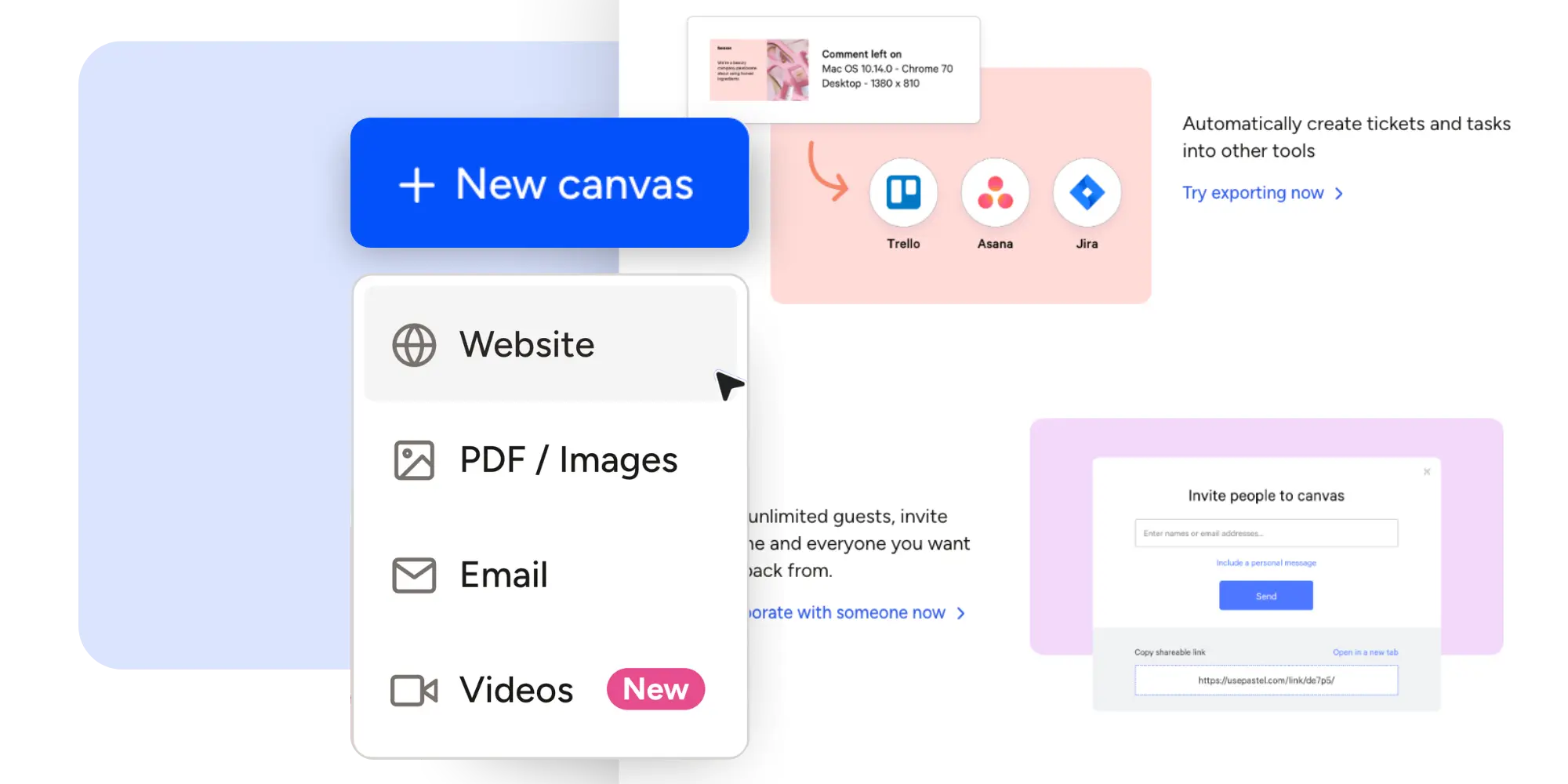
For website projects, visual online canvas is usually the most important feature. Clients can click directly on a page and pin the feedback exactly where they see an issue, making comments much easier to understand.
Pastel was built around that idea. Teams can turn any website into a live canvas for feedback, allowing clients and stakeholders to leave comments directly on the most up-to-date version of the project.
For video reviews, timestamped comments are incredibly useful. Instead of explaining where a change is needed, clients can leave feedback at the exact moment it appears in the video.
For bigger teams, features like comment status and assignments help to keep reviews organized and fit naturally into existing project management workflows. They make it easier to see what still needs attention and who is responsible for each change.
The important thing is finding a tool that supports the way your team already works instead of forcing everyone to adapt to a completely new process. Pastel's client feedback tool provides the right features for your workflow while keeping the review experience simple for everyone involved.
Think about client experience first
Many teams evaluate software from an internal perspective. They buy for internal control and forget about client usability. Then they wonder why clients are not using it.
The easier the experience feels for clients, the more likely they are to participate consistently.
Test a client feedback tool with a real project
The best way to evaluate any client feedback tool is to use it on a real project. Add real stakeholders, ask for real feedback, and watch where the process feels smooth and where it slows down. Within a few review cycles, you will quickly understand where the process feels smooth and where it creates friction.
If you want more ideas on improving client collaboration, read Get Feedback on Videos in Pastel or explore Introducing Feedback Deadlines. Both posts show how small workflow changes can speed up reviews without making them feel heavier.
Final Thoughts on Choosing a Client Feedback Tool
Client feedback rarely fails because people don’t care. More often, it breaks down because the process asks too much from busy people while giving too little context in return.
Clients delay reviews, teams chase approvals, and conversations become scattered across emails, documents, screenshots, and chat messages. Before long, everyone is spending more time managing feedback than acting on it.
A good client feedback tool changes that. It makes comments easier to leave and easier to understand. This way, teams spend less time searching for answers and more time making progress.
That is ultimately what every review workflow should aim for: a clear and efficient way to collaborate. Instead of relying on scattered notes and endless follow-up emails, a good client feedback tool keeps discussions attached to the work, helps teams ask better questions, and gives clients a faster way to respond.
If your team wants a better way to collect comments and reduce review delays, try Pastel’s client feedback tool for free on your next project. It helps agencies, marketers, designers, and developers gather clear feedback directly on websites, PDFs, videos, images, emails and more, reducing confusion, improving the customer experience, and keeping projects moving forward.

.png)
.png)