.png)


The August feature roundup is here, and every update in it shares one goal. We want your reviews to move forward without you chasing anyone.
Over the past few weeks, the Pastel team shipped five new features and started building something bigger. Some of them save you a click. Others save you a whole follow-up email. Below, you will find what changed, why it matters, and how to use it today.
What's new in the August feature roundup
Here is the short version before we get into the details:
- Next Steps Tab: a live summary of who opened your canvas, who approved it, and who is holding things up.
- Automatic Canvas Scanner: Pastel checks new website canvases for broken and missing links.
- Updated Responsive View: preset devices, custom widths, and a viewport you can drag.
- Global Search on the Dashboard: search your whole account by canvas name, URL, or creator.
- Export Comments to PDF: turn a feedback thread into a clean, shareable document.
A canvas, in case you are new here, is any website, design, PDF, video, or email you upload for review. If you missed the last release notes, the April feature roundup is still worth a read.
Next Steps Tab: the headline of the August feature roundup
Sharing a canvas is the easy part. Knowing what happened after you shared it is the hard part. Until now, that meant opening the share modal, checking your inbox, then sending a polite nudge. The Next Steps tab replaces that guesswork with one view.
What the Next Steps tab shows you
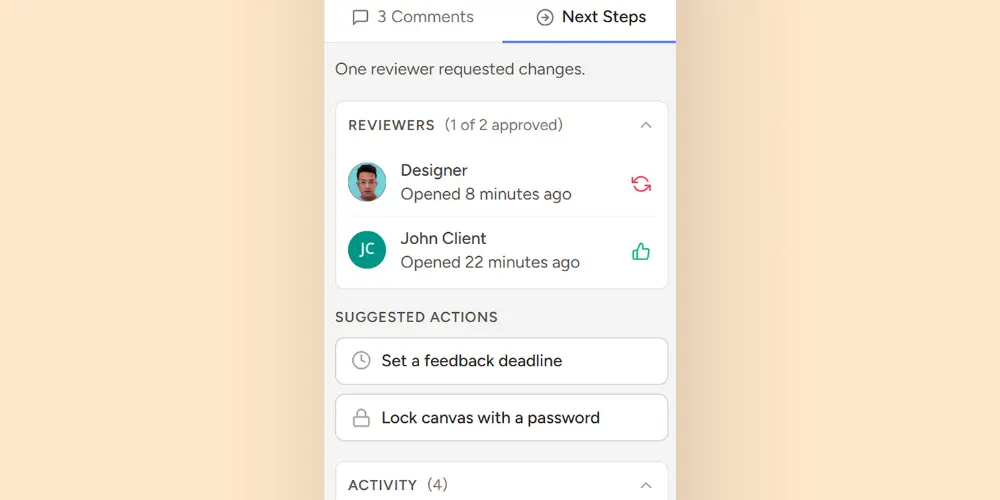
The tab sits right next to your comments in the canvas sidebar. As a result, you never have to leave the review to check on it. It gives you a live summary of where your review stands.
You can see who opened the canvas and how long ago they opened it. You can also see who approved, who is still pending, and who requested changes.
Because the panel updates in real time, the status is always current. For example, a canvas showing one of two approvals tells you exactly who you are waiting on. Instead of sending another "just checking in" message, you can go straight to the right person. Learn more here.
Suggested actions in one click
The tab also surfaces shortcuts to the actions that actually unblock a review. You can set a feedback deadline without digging through your settings. Meanwhile, you can lock the canvas with a password when a review needs to stay private. Recent activity sits in the same panel, so all your context stays in one place.
Automatic Canvas Scanner: catch broken links early
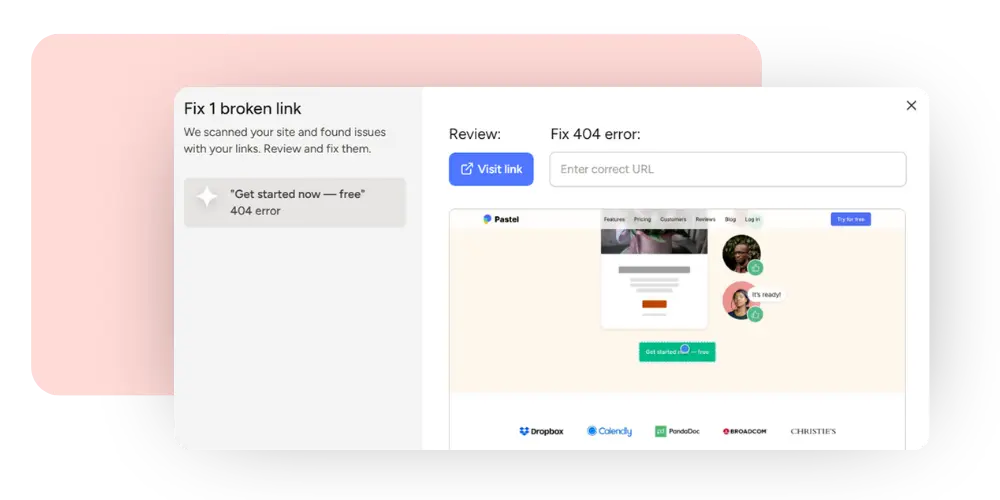
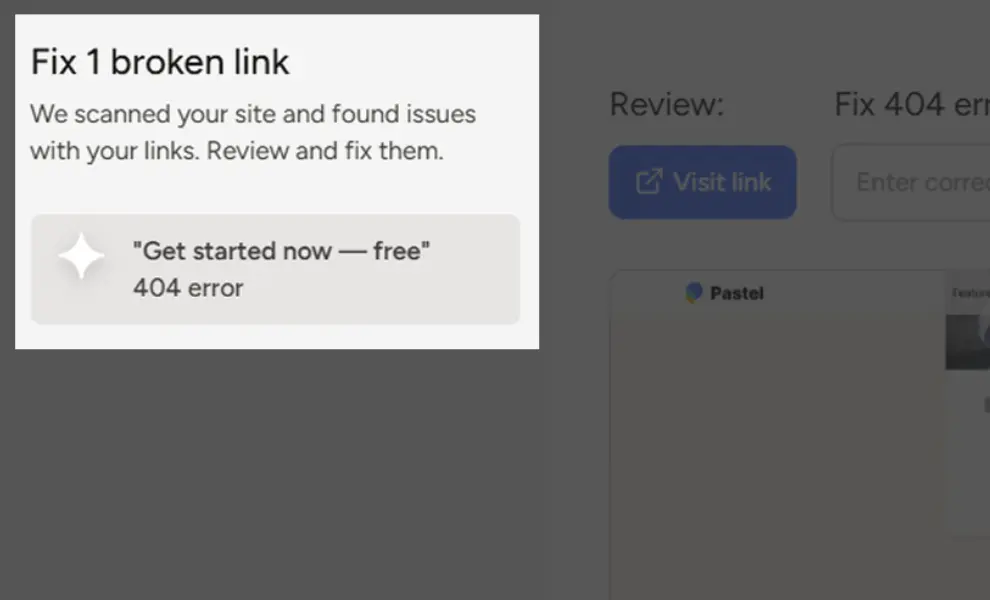
Nothing undercuts a review faster than a client clicking a link that goes nowhere. So Pastel now scans every new website canvas automatically. The scanner looks for broken links and missing links across the page you uploaded.
If it finds an issue, you get an email notification right away. After that, each issue appears in the sidebar with the details you need.
You can visit the link, check the error, and enter the correct URL. Better still, you can turn any issue into a comment with a single click.
This matters most right before a handoff. Instead of your client finding a link that no longer exists, 404 error, your scanner finds it first. Therefore, your review stays focused on the work, not on broken plumbing. Learn more about canvas scanner here.
Updated Responsive View: review every screen size
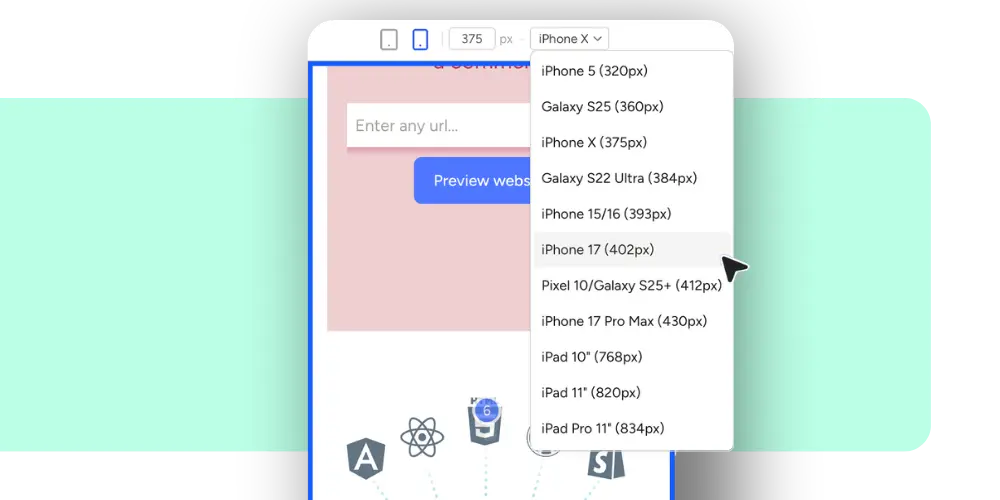
The updated Responsive View closes the gap of different screen sizes feedback.
You can now pick from a preset list of devices, including iPhone, Galaxy, Pixel, and iPad sizes. Also, you can type a custom width in pixels and drag the edge of the viewport and watch the site resize in real time. Learn more about responsive view.
Comments that remember the screen size
Here is the part that saves the most time. Every comment now captures the screen size it was left on. Consequently, clicking a comment snaps the canvas back to that exact width. You no longer have to guess whether an overlap only happens at 393px.
That context ends a familiar argument. Your client says the headline breaks, but you can't reproduce it. Now you both look at the same viewport. If you want a quick check on your website, our responsive website test tool is free to use.
Global Search on the Dashboard: find any canvas fast
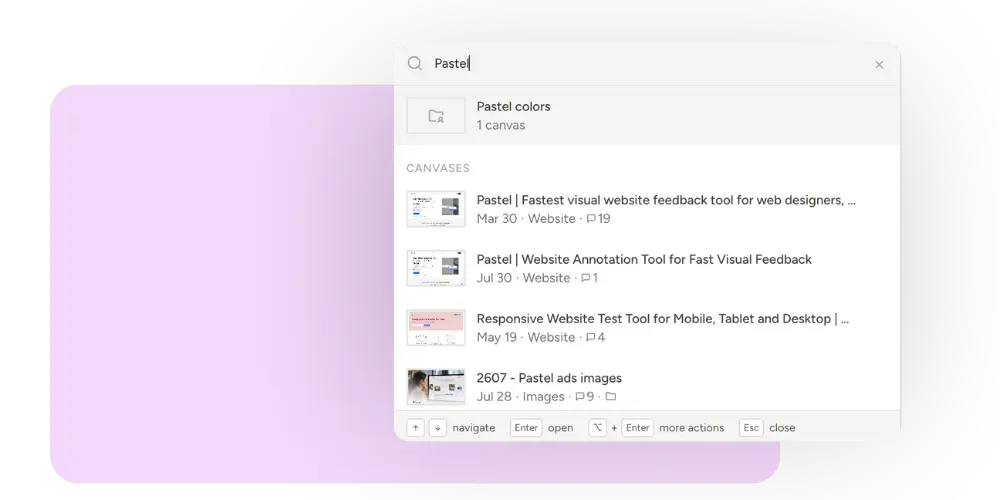
We understand that two years of projects crowd accounts. Finding one canvas can take a really long time. So we added global search directly on the dashboard.
You can now search across your entire account in one field. Search by canvas name, by URL, or by creator. Results show the canvas thumbnail, the date, the type, and the comment count. No more hunting through project folders to find what you're looking for.
Ready to see this in your own workflow? Pastel works as a website annotation tool for web design teams. You can also read the Client Feedback Tool Tips to Keep Clients in the Loop to get a better understanding on the feedback workflow.
Export Comments to PDF: turn feedback into a record
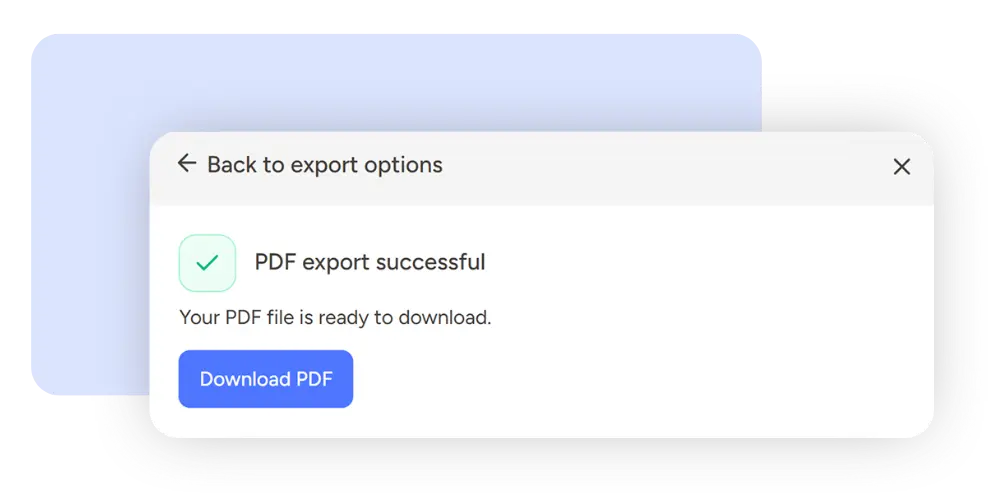
Some feedback needs to live outside the tool. Maybe your client wants a summary. Maybe your team needs an archive at the end of a project. You can now export your Pastel comments to a PDF.
The export is filterable, so you control exactly what goes in. Filter by status, then pick which comments to include. Each comment gets its own page in the file. Also, every page includes a screenshot, the replies in the thread, and the metadata.
As a result, you get a clean paper trail for approvals, invoices, or scope conversations. Speaking of approvals, our client approval process post explains how sign-offs work in Pastel.
Coming soon: Pastel + AI Coding Tools
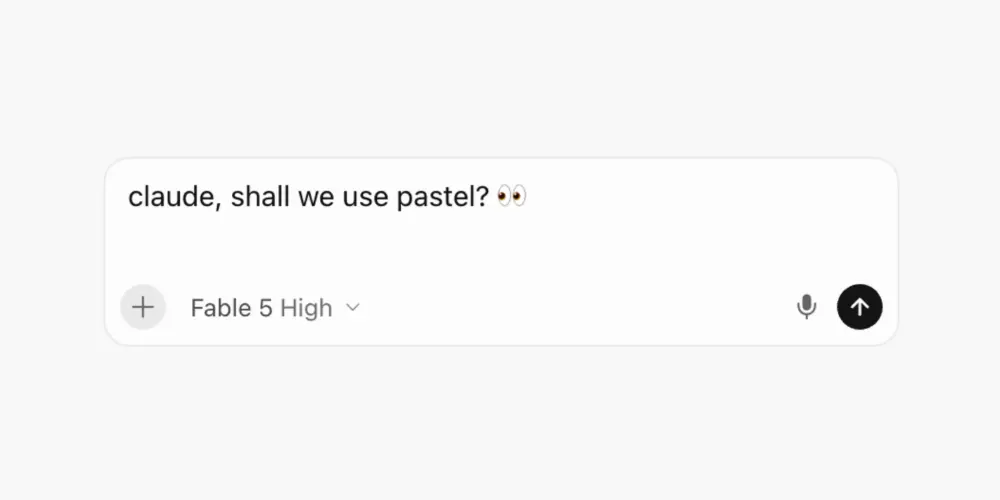
One more update is still in the oven, and developers will like this one. We are building a Pastel MCP server and a CLI.
MCP stands for Model Context Protocol, an open standard that lets AI tools connect to outside services in a consistent way. You can read more about the open standard behind it if you are curious. CLI stands for command line interface, which means you can run Pastel commands from your terminal.
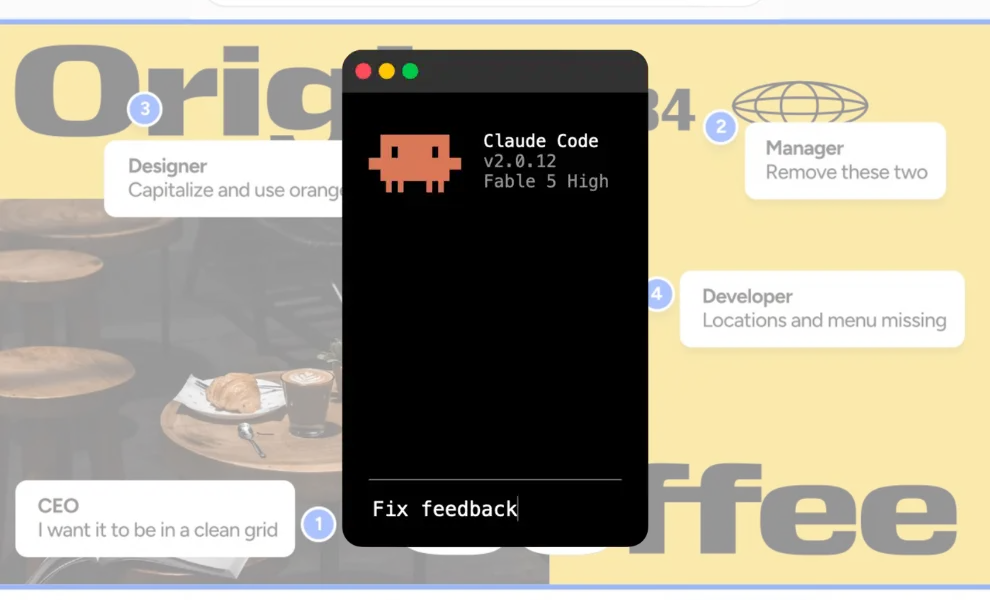
Together, they close the loop between feedback and code. Your AI coding tool will be able to pull comments from a canvas and fix the issues. It will also be able to push sites or assets back to Pastel for review. Consequently, nobody has to copy feedback between tabs anymore.
How the August feature roundup fits your review workflow
Taken together, these updates remove the small delays that stretch a review into a week.
The scanner catches broken links before your client ever sees them. The Next Steps tab tells you who has opened, approved, or gone quiet, so nobody sends another status email.
Meanwhile, Responsive View ends the back and forth about which screen size broke the layout. Global search brings back any canvas in seconds, even one from two years ago. Finally, a PDF export turns a messy thread into a record you can attach to an invoice.
With these features, designers spend less time chasing feedback, clients spend less time explaining themselves, and developers get bugs they can actually reproduce. In short, everyone gets their hours back for the work that matters.
Start using new Pastel features.
Every update above exists because someone told us where their review slowed down. So keep sending those notes. We read all of them, and several features here started as a single reply.
If you are new to Pastel, you can try everything for free. There are no contracts and no credit card required. Start a free canvas and share it with your team today.
Prefer to read a bit more first? Then take a look at Review Marketing Emails in Pastel for another way to collect approvals. Either way, we hope the August feature roundup makes your next review the easiest one yet.

.png)