.png)


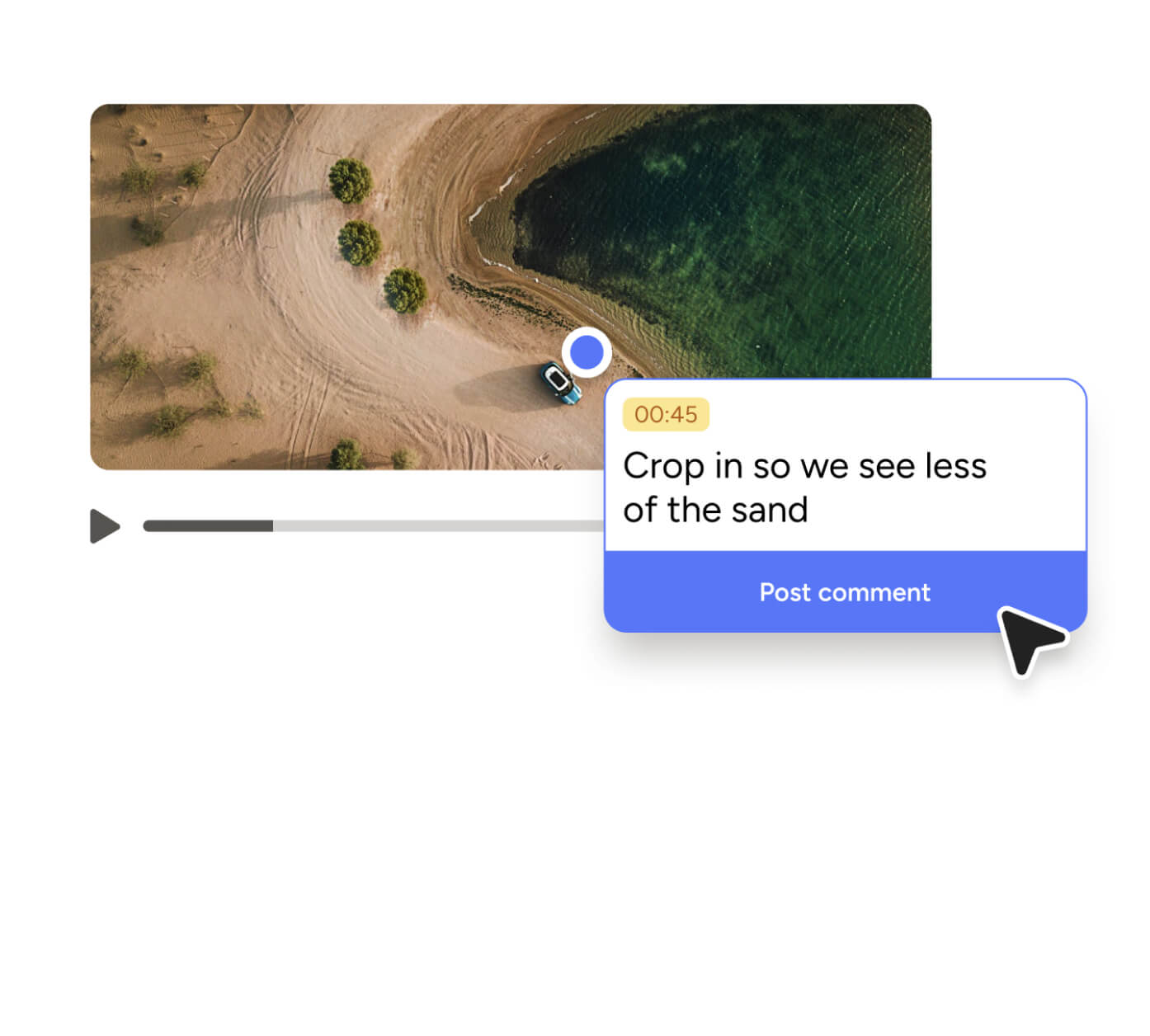
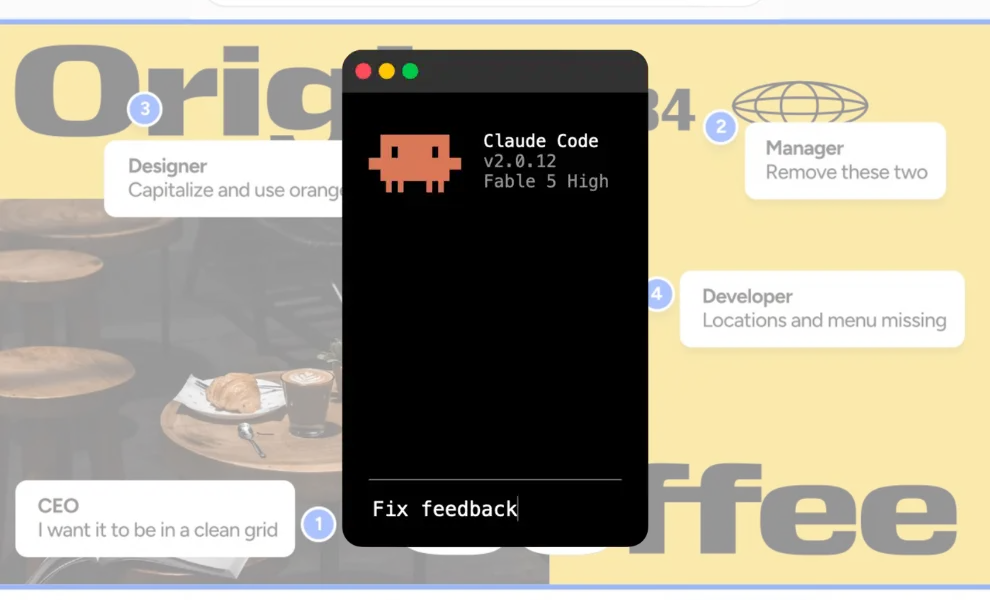
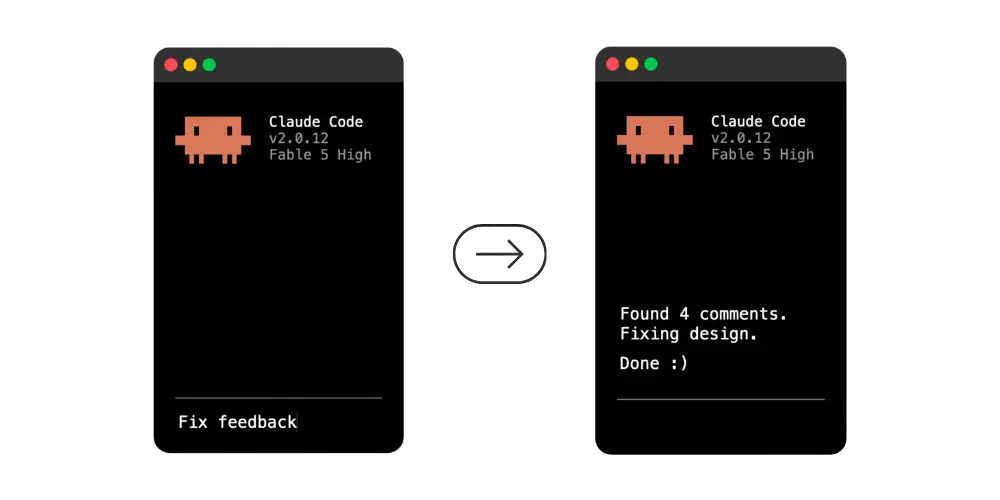
You can now fix client feedback with our Pastel for AI agents in a single prompt. After setting up the Patel MCP server, just, paste a Pastel link into your agent. Then instruct it to resolve the open comments. It interprets each one and identifies the element referenced. After that, it implements the change, replies, and closes the thread.
The instruction is this simple:
That works because of the Pastel MCP server. Model Context Protocol (MCP) is an open standard that connects AI assistants to external tools and data sources. The protocol documentation explains the architecture in detail. In practice, Pastel for AI Agents is used for website feedback, it's the connection between your review canvas and your development environment.
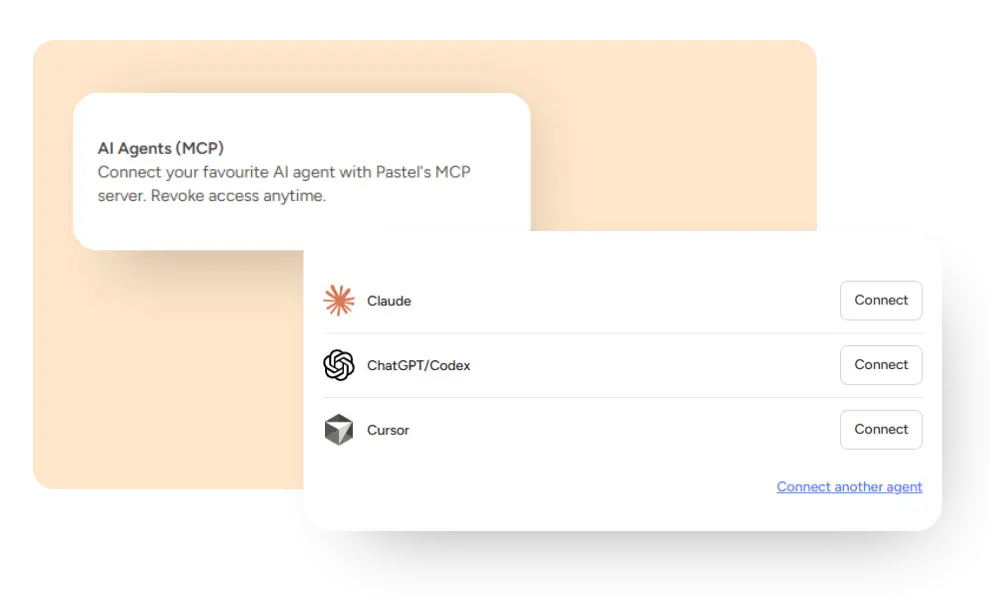
It integrates with Claude, Claude Code, Cursor, ChatGPT, and Codex, alongside any other AI tools that implement the protocol.
You still approve everything when you fix client feedback with AI
This is the first question agency owners ask, so here is the direct answer.
Your agent only executes when you execute it. No background process monitors your canvas. Furthermore, no automation commits code overnight while you sleep.
Consequently, a comment remains open until you write a prompt. Nothing moves before that.
If the agent gets something wrong, the mistake lands in your local working directory. You read the diff and delete it, exactly like any other bad change. It never reaches your live site.
You can also revoke an agent's access in your Profile settings at any time.
Why an MCP server for website feedback beats copy-pasting
Client feedback is often simple changes to specific things. "Make this bigger." "Can we swap these two?" "This should link to the case studies page."
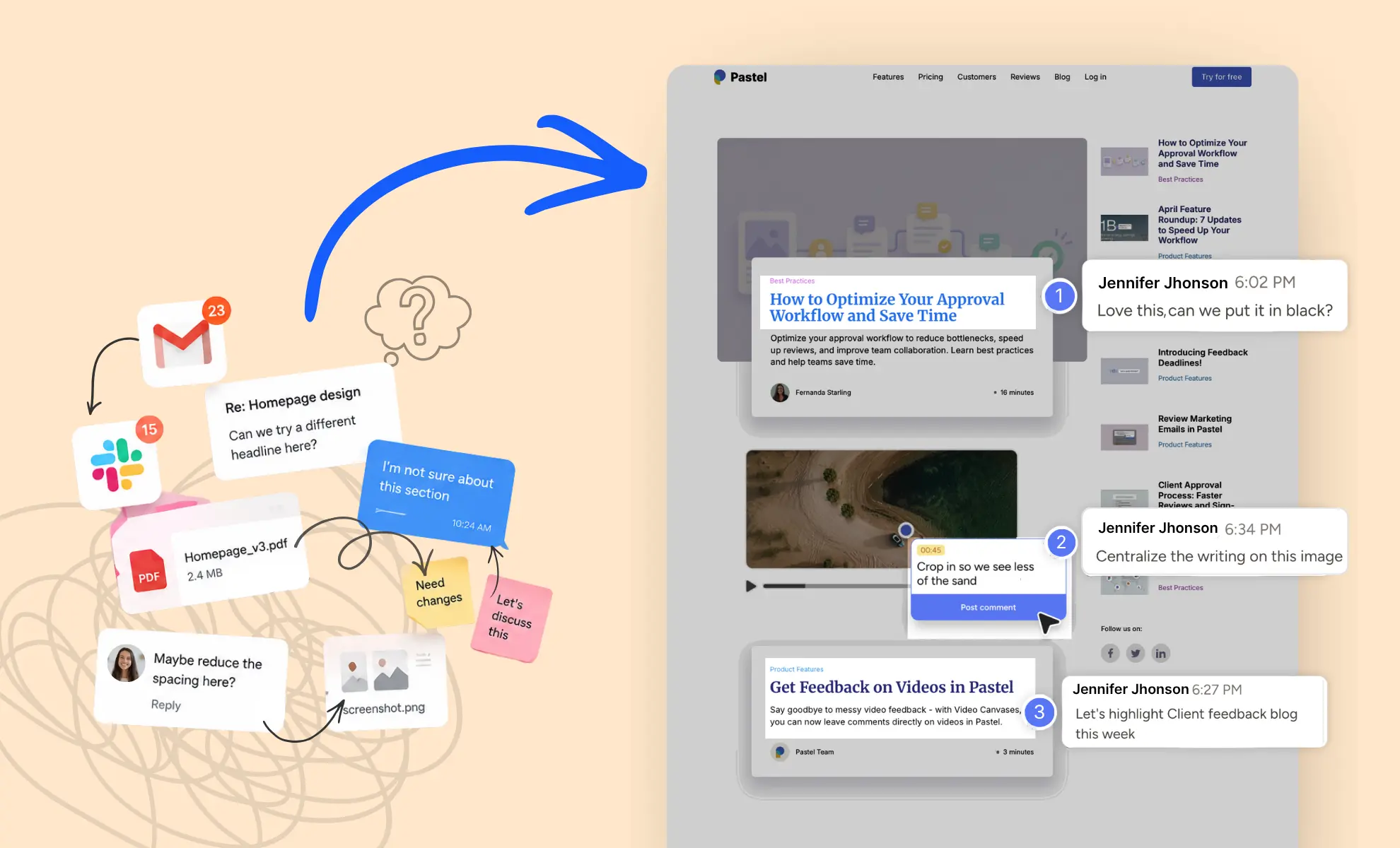
Website feedback with Pastel for AI agents only functions when those requests have context. Inside a Slack conversation, those sentences are unusable. On an annotation canvas, they become unambiguous, because every comment attaches to a specific element on a specific page.
What your agent actually sees
Say a client leaves one comment on your pricing page. They write "this one should stand out more."
Copy that sentence into a chat window and your agent has almost nothing. Which one? Stand out how?
Send the canvas link instead, and the same comment arrives with everything attached to it:
- The comment text, word for word.
- The page it was left on.
- The element it was pinned to, which is the middle pricing card.
- The screenshot where the client commented.
So your agent edits the middle card. It never stops to ask you which one they meant.
Here is the same round with Pastel for AI Agents:
A client pins a comment to your pricing table reading "this one should stand out more." Because the comment carries its element reference, your agent knows which of the three cards they mean. Additionally, the attached screenshot confirms it. Therefore it modifies the correct component. It never interrupts you with a clarifying question.
When you paste comment text into a chat window manually, you preserve the one fragment that means nothing independently. Your agent then guesses, and you spend the afternoon correcting those guesses. Our essential guide to website feedback covers the habits that make comments genuinely actionable.
Annotation solves this problem the same way for humans and machines. A comment means nothing floating inside an inbox, so you attach it to whatever it describes. That anchor matters twice as much for automated implementation. An experienced designer can usually guess which button a client meant. An agent working across an entire codebase cannot, and an incorrect assumption costs you a rollback.
Who benefits most from AI agent website feedback
Three groups experience the biggest difference in their review cycles:
- Web design agencies manage several client approvals every week.
- Freelance designers and developers who build, review, and revise alone.
- In-house product management teams where marketing comments and developers implement.
The common factor is volume. If your approval workflow touches one page monthly, the configuration is probably not crucial. However, if revisions accumulate across a dozen projects, it justifies itself within a single round.
Feature requests behave the same way. A comment describing a small enhancement becomes an implementation task immediately, rather than waiting in somebody's inbox until Friday.
How to connect an MCP server to Claude, Cursor, or ChatGPT
Configuration takes approximately two minutes. Also, the procedure is nearly identical across applications, since they implement the same specification.
Connect Claude and other AI assistants to the remote server
First, open your agent's connector settings. Then add the Pastel server and authenticate with your Pastel account. Our help center guide documents the exact screens for each application.
Run your first prompt
Paste the canvas link and describe the task. Then observe the MCP tools executing in real time. Afterwards, review the difference exactly as you would review any pull request.
Experienced developers usually start conservatively. Instead of resolving everything immediately, ask your agent which comments it can handle confidently. That preview reveals how it interprets your client's vocabulary before it writes anything.
Try it on a live site. Pastel converts any website into a canvas your clients can annotate, with no installation required. Explore the website annotation tool, or start a free trial and connect your agent today.
What one prompt cannot do when you fix client feedback with AI
Understanding the limitations beforehand prevents a frustrating time loss.
Ambiguous comments remain ambiguous. If a client writes "this feels off," your agent either speculates or requests clarification. Neither response constitutes a solution. However, your agent can help by triaging ambiguous comments and highlighting feedback that might need a follow up with the client.
Certain comments originate outside your repository. Notes about third-party embeds, CMS fields, or photography without source files still require human intervention.
Design decisions remain yours. "Try a warmer color here" represents a judgment call about customer experience. Consequently, your agent cannot predict whether the client will approve it.
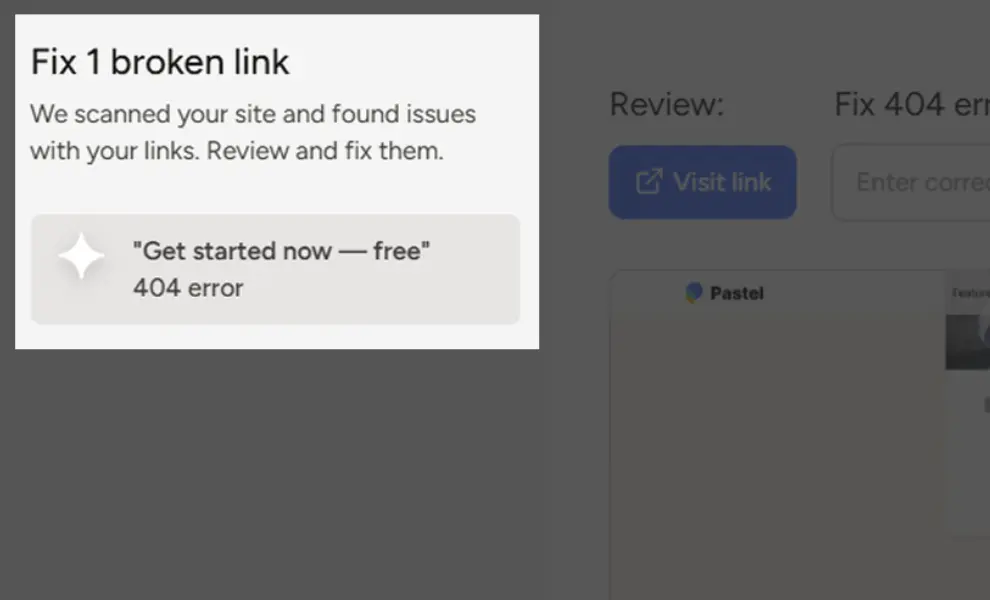
What remains is repetitive implementation work. Copy revisions, spacing corrections, broken links, incorrect photography, and missing alt attributes consume entire afternoons. Meanwhile, one prompt eliminates them.
Experienced teams eventually develop an instinct for the split. After two or three rounds, you recognize which comment styles your agent handles cleanly. Then you stop reviewing those categories closely, and you concentrate your attention on the ambiguous remainder.
Review the difference anyway
Treat your AI agent as a fast junior developer. Although it moves quickly and documents its reasoning, it still benefits from supervision.
Read the changes before deployment, particularly on the first two rounds. Additionally, verify the replies it published on the canvas, since your client reads those explanations too. If your rounds stall before reaching development, read how to optimize your approval workflow and save time.
Skip the staging site
Currently, anything an AI powered agent produces remains on your machine until deployment. That limitation makes it a single-player experience. Nobody can annotate a page existing only in a local directory.
Therefore we developed a command line interface. It converts local HTML files and static assets into a Pastel canvas with one command. No hosting, no staging URL, and no waiting on a deployment simply to show a client a draft.
One command distributes the work, then one prompt resolves whatever returns, entirely before anything reaches production.
Fix client feedback with AI on your next review round
Select a project with an open feedback round. Then connect your agent and paste the canvas link. Watch it eliminate the repetitive half of the list, while you handle the decisions requiring judgment.
Start your free Pastel trial and discover how much of your next review cycle you can fix client feedback with AI.

.png)